Solart
StudioImage · Video
HomeTemplatesCommunityMy creations
AI modelsBuy creditsFAQAPI & AI Agent
Keep everything you createSign in with email or Google, no password needed.
Sign in
Solart
Sign in
© 2026 Solart · [email protected]
FAQAI modelsPricingAPI & AI AgentTerms of ServicePrivacy Policy
HomeTemplatesCreateCommunityHistory
Get 100 free credits when you sign up, enough for about 5 images

Create AI images and videos with just a few words

Ready-made templates for portraits, products, illustrations and video. Pick a template, describe your subject, hit Create.
Start creatingBrowse templates
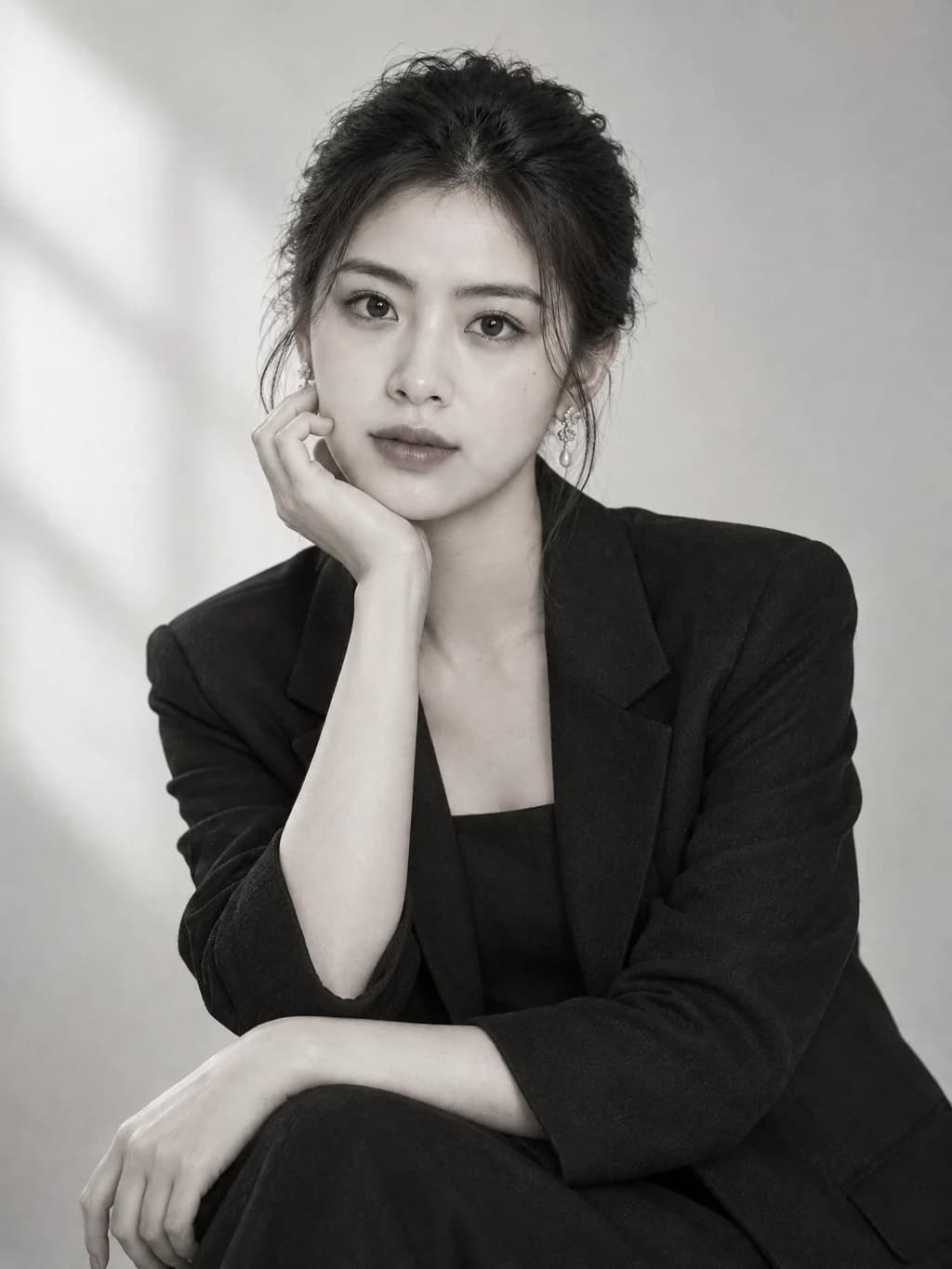
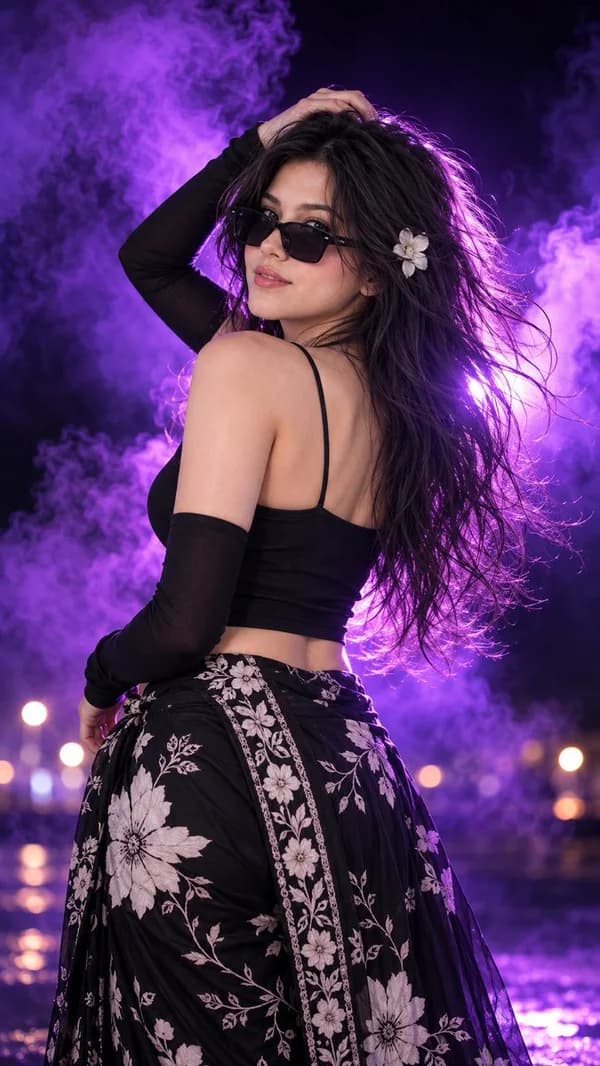
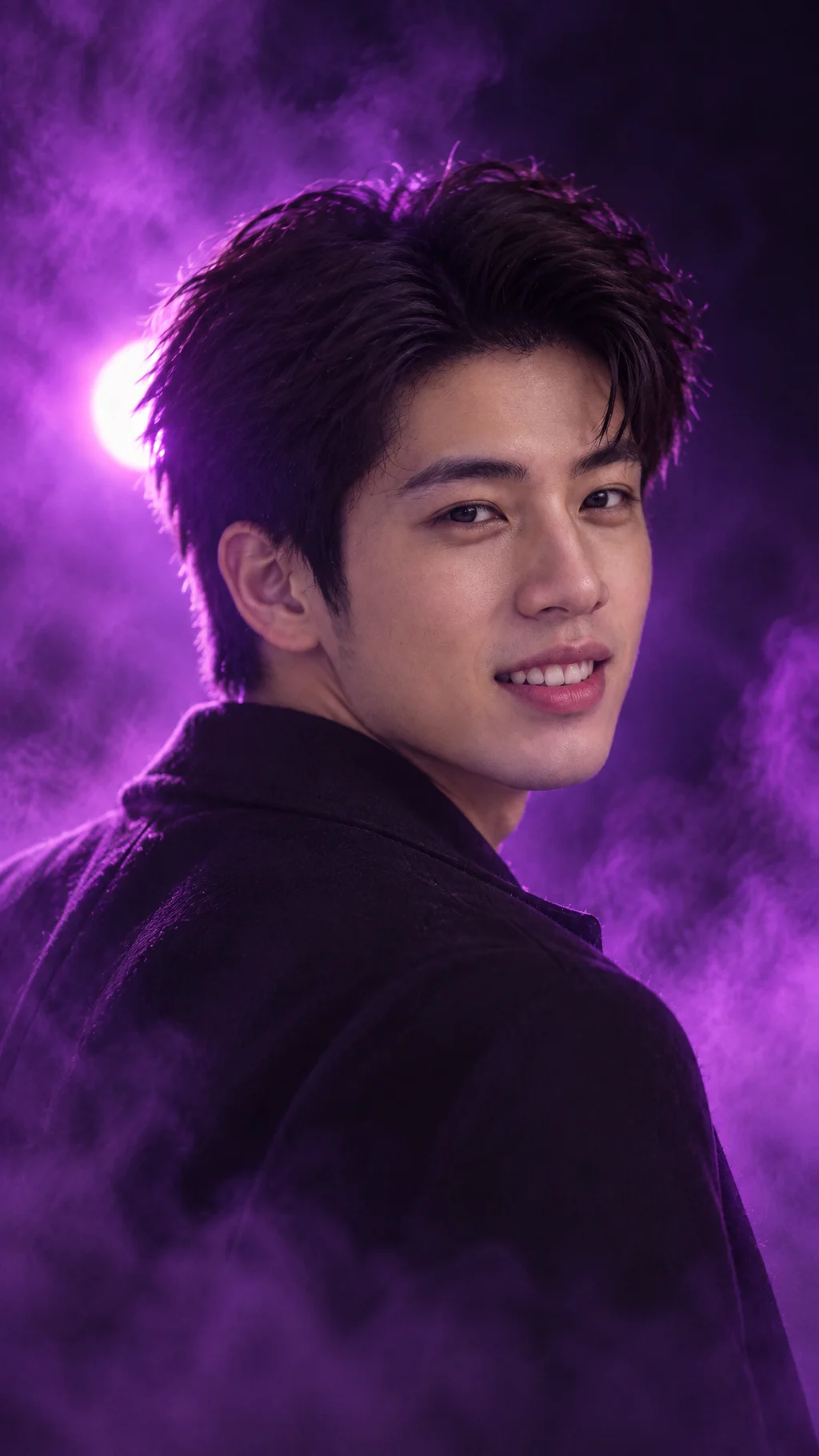
Neon Night PortraitCinematicStudio PortraitPortraitPhoto EditPhoto editingProduct Shot from BriefProduct
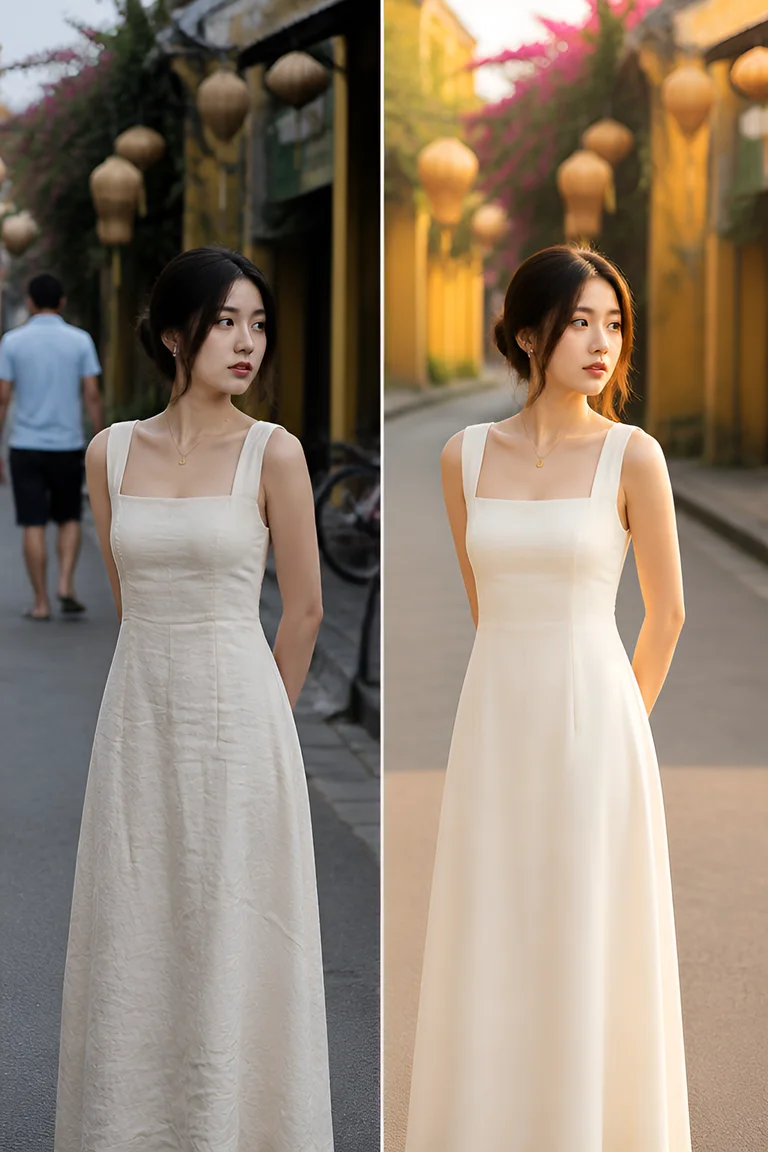
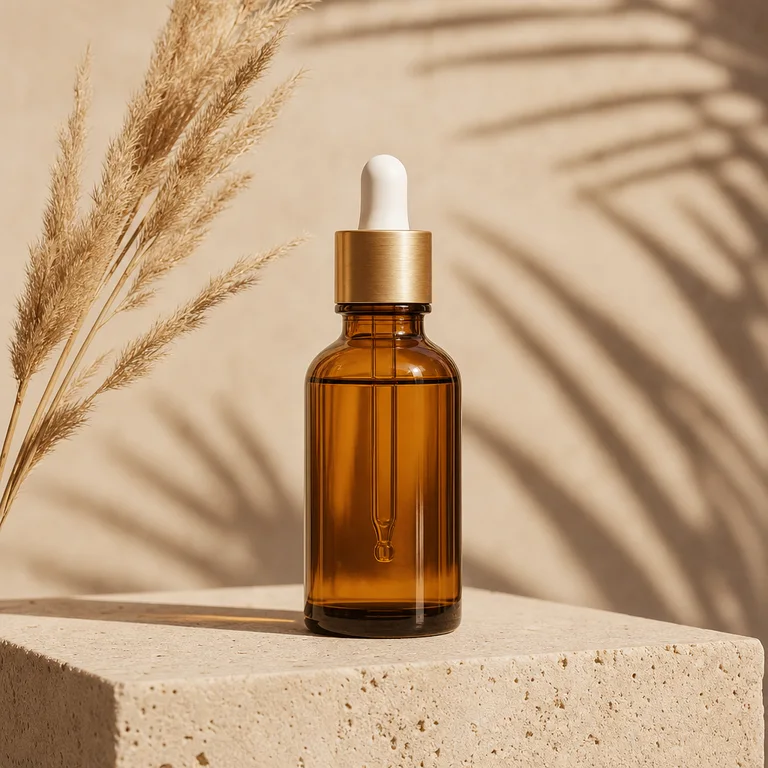
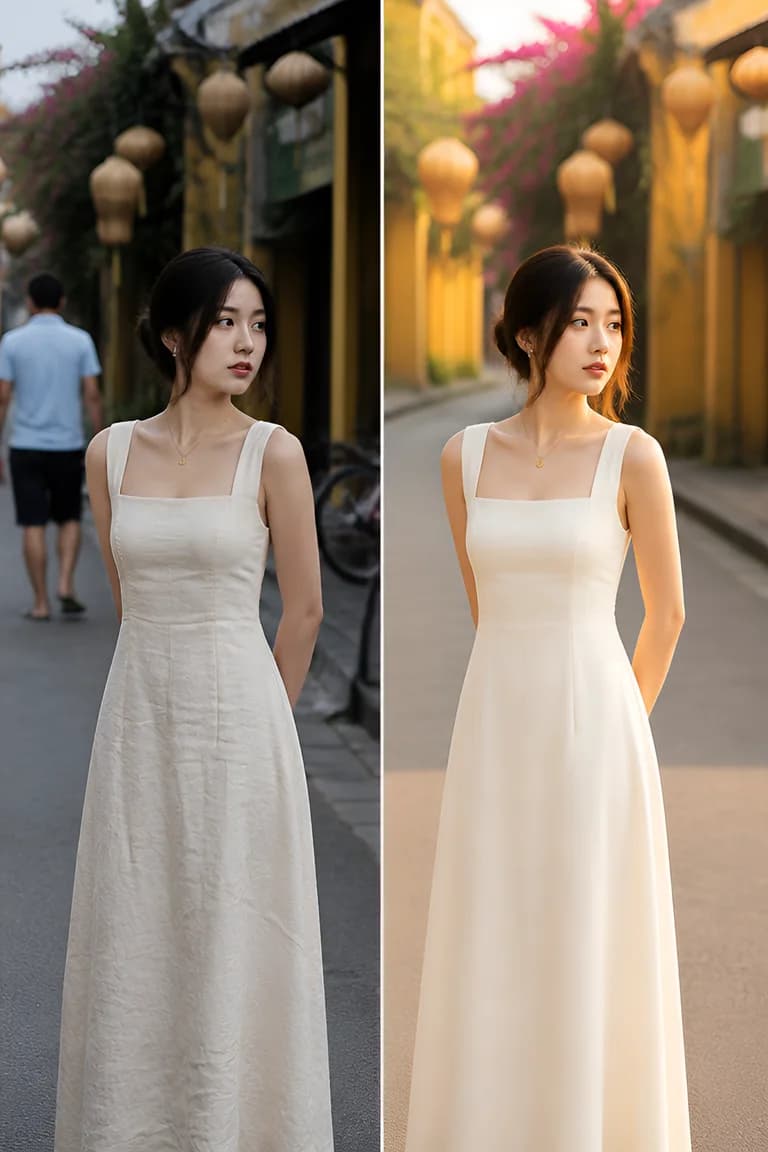
Photo EditEdit a photo from a simple request while keeping the face, pose and framing intact.Edit with ReferenceThe first image is the photo to edit; the rest are references for background, outfit, hairstyle or lighting.Product Shot from BriefCreate a product image from your description and reference photos, staying true to the product type.Make short videosDescribe it in words or bring a photo to life

Quick create

Pick a template, type one line, hit Create.

+33View all templates
Photo Edit
Need finer control or want to write your own prompt?Open Studio →

Featured templates

New · API & AI Agent

Let Claude and Cursor create images and videos with Solart

Connect your AI agent or app with one API key. Agents share your credits and the same low prices as the web, and failed runs are refunded.

  • MCP serverClaude, Cursor, VS Code
  • Agent SkillOne SKILL.md file
  • REST APICall from apps, scripts
Terminal
 claude mcp add --transport http solart \
    https://solart.app/api/mcp \
    --header 

 
 Created 1 image · 18 credits
$
"Authorization: Bearer slr_..."
>
Make an ao dai photo by a lotus pond, 3:4
✓
View all
All
Image
Video
Photo Edit24
Edit a photo from a simple request while keeping the face, pose and framing intact.Use template
Edit with Reference24
The first image is the photo to edit; the rest are references for background, outfit, hairstyle or lighting.Use template
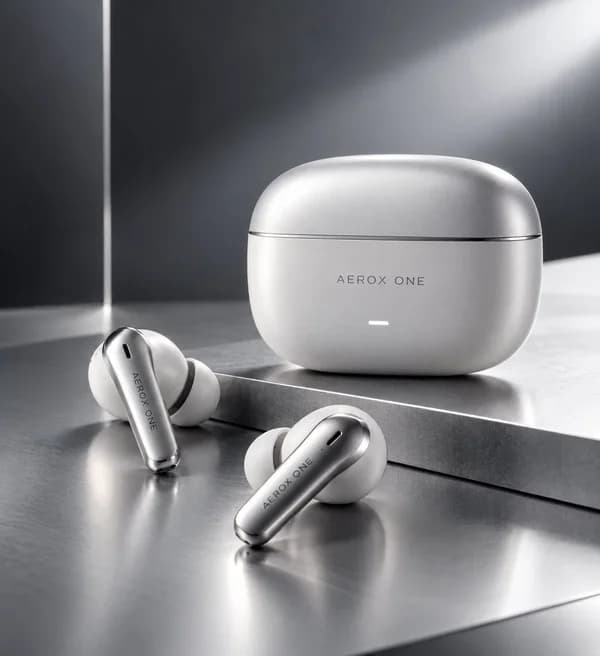
Product Shot from Brief18
Create a product image from your description and reference photos, staying true to the product type.Use template
Product Mockup18
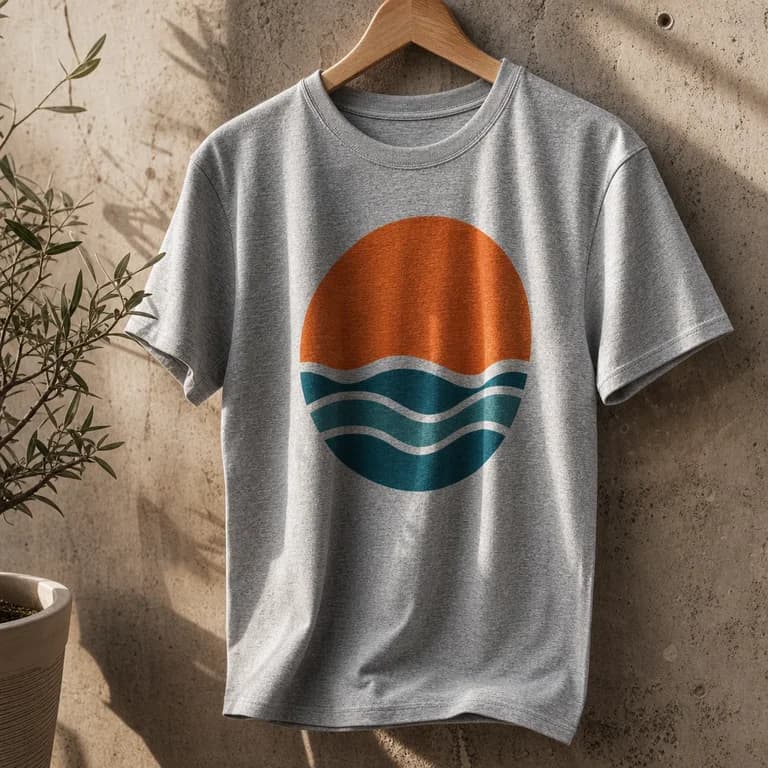
Place the product from the first image into the mockup scene from the second.Use template
+3
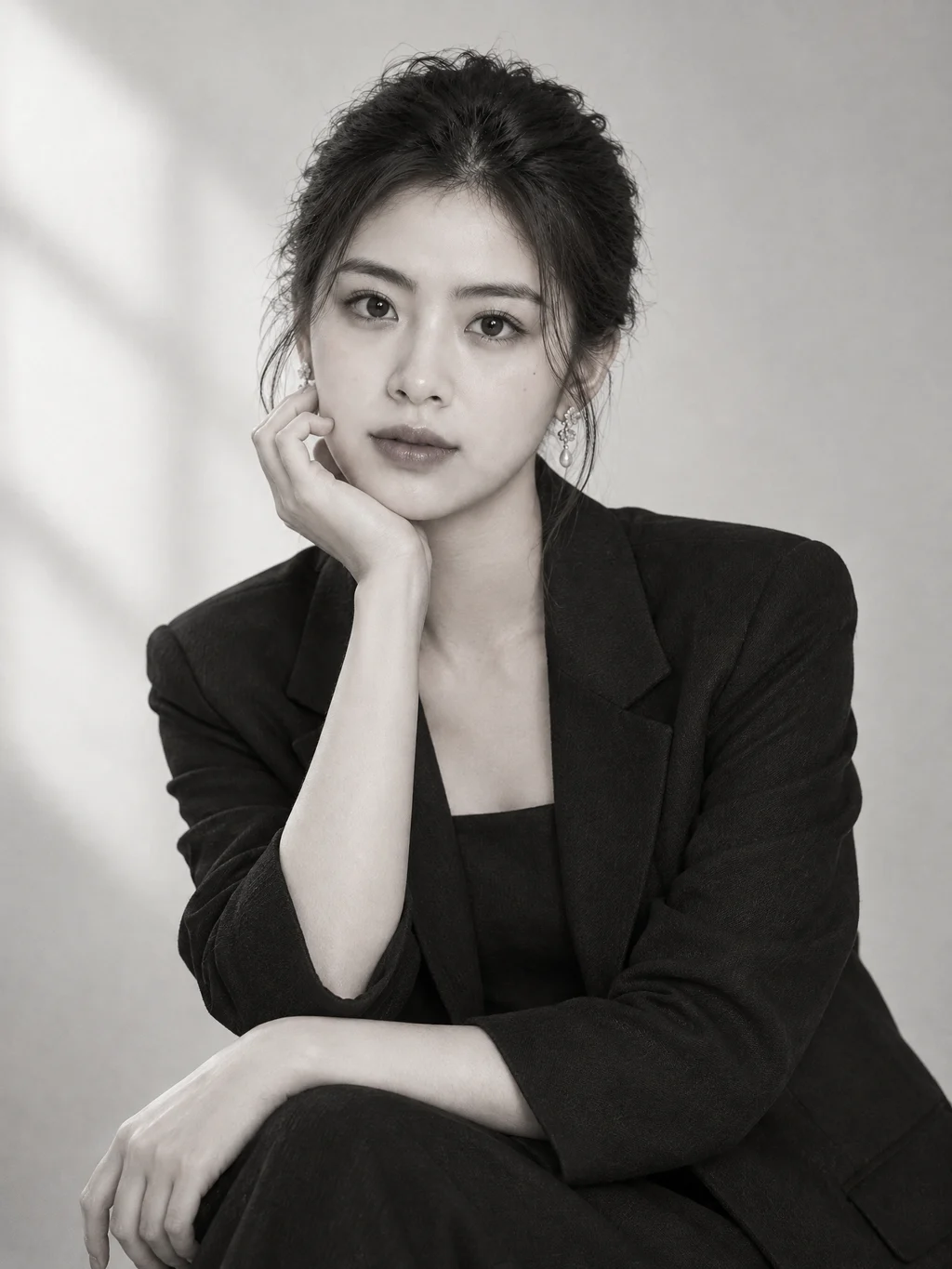
Studio Portrait24
Upload your photo for a professional studio portrait that keeps your exact face.Use template
+3
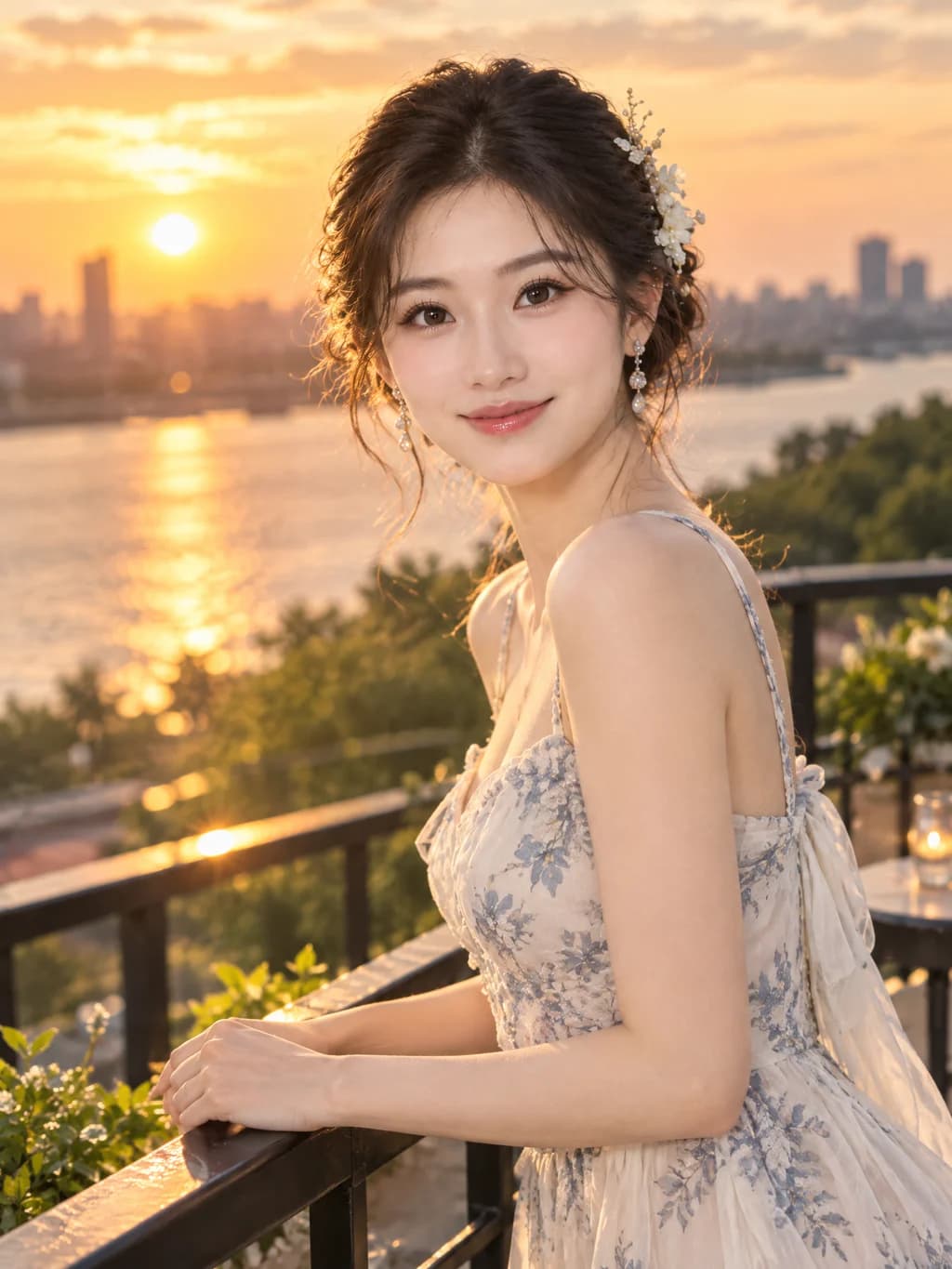
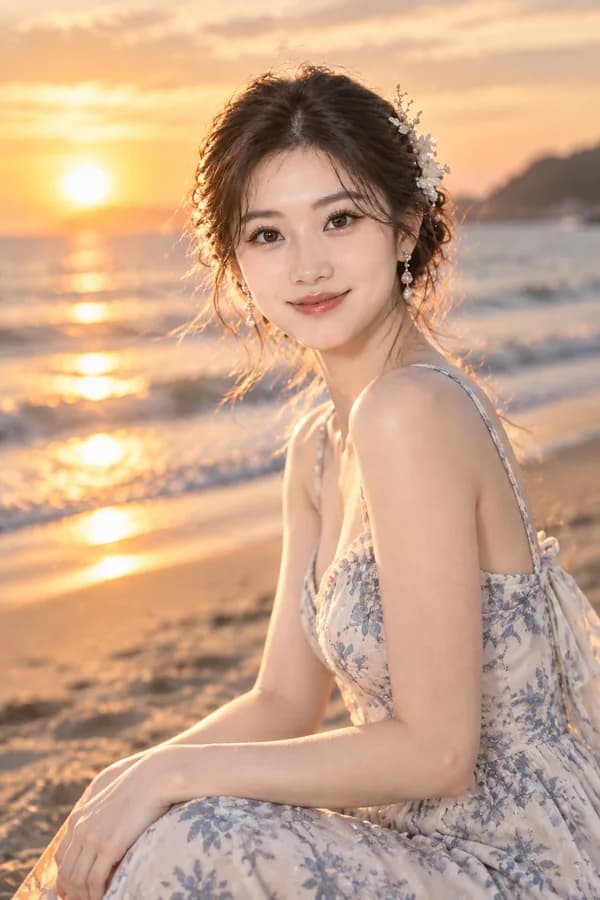
Golden Hour Portrait24
Step into warm sunset light with a cinematic glow around your hair.Use template
+3
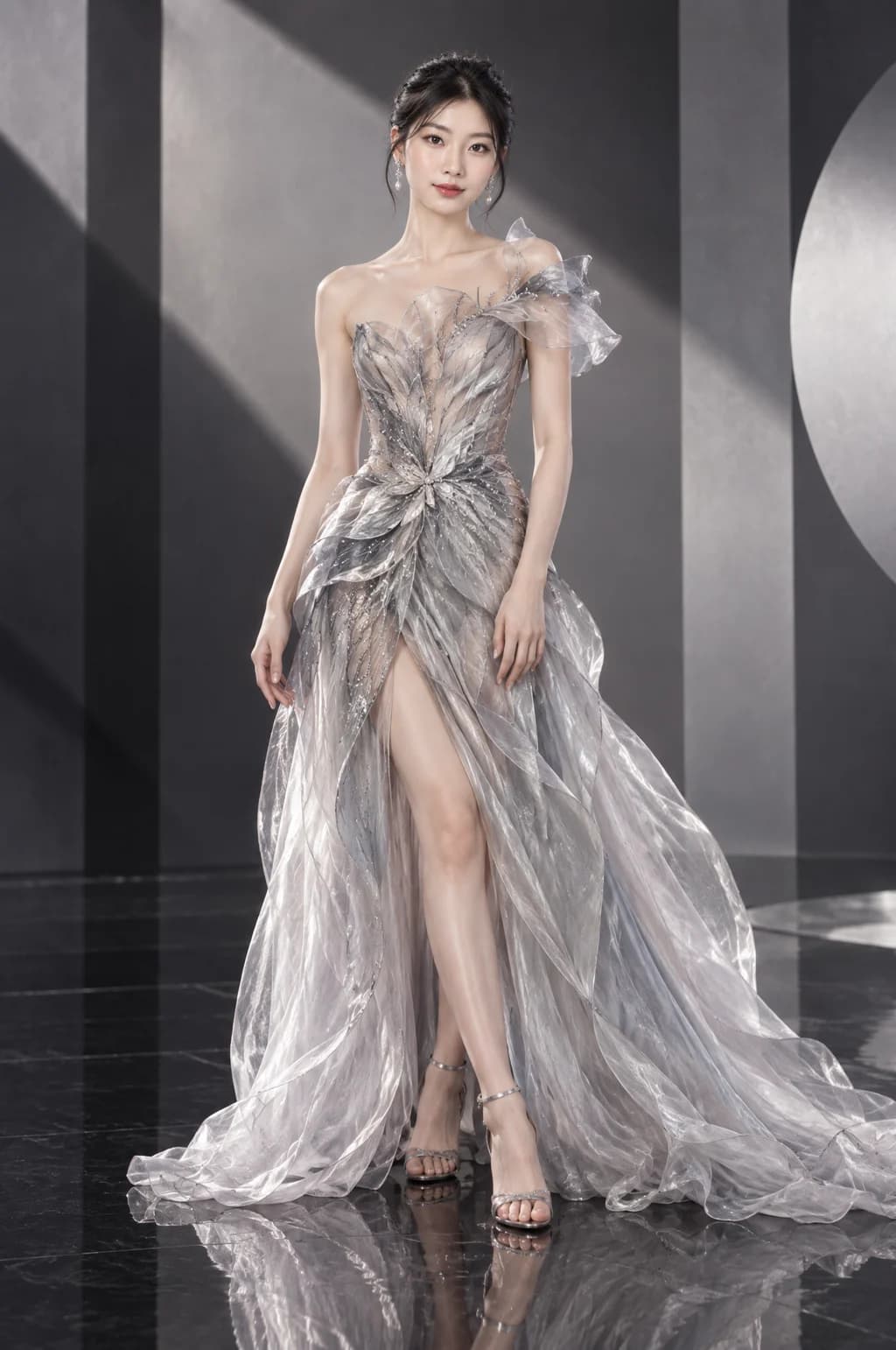
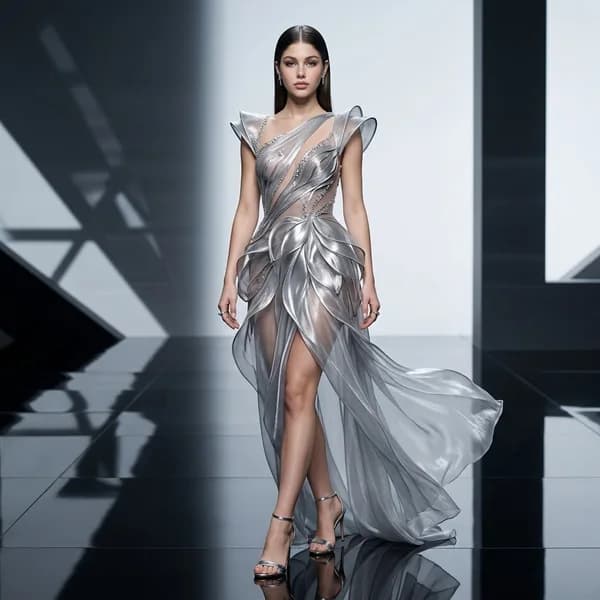
Fashion Editorial24
Full-body high-fashion magazine shot with your choice of look and set.Use template
+3
Cinematic Couple24
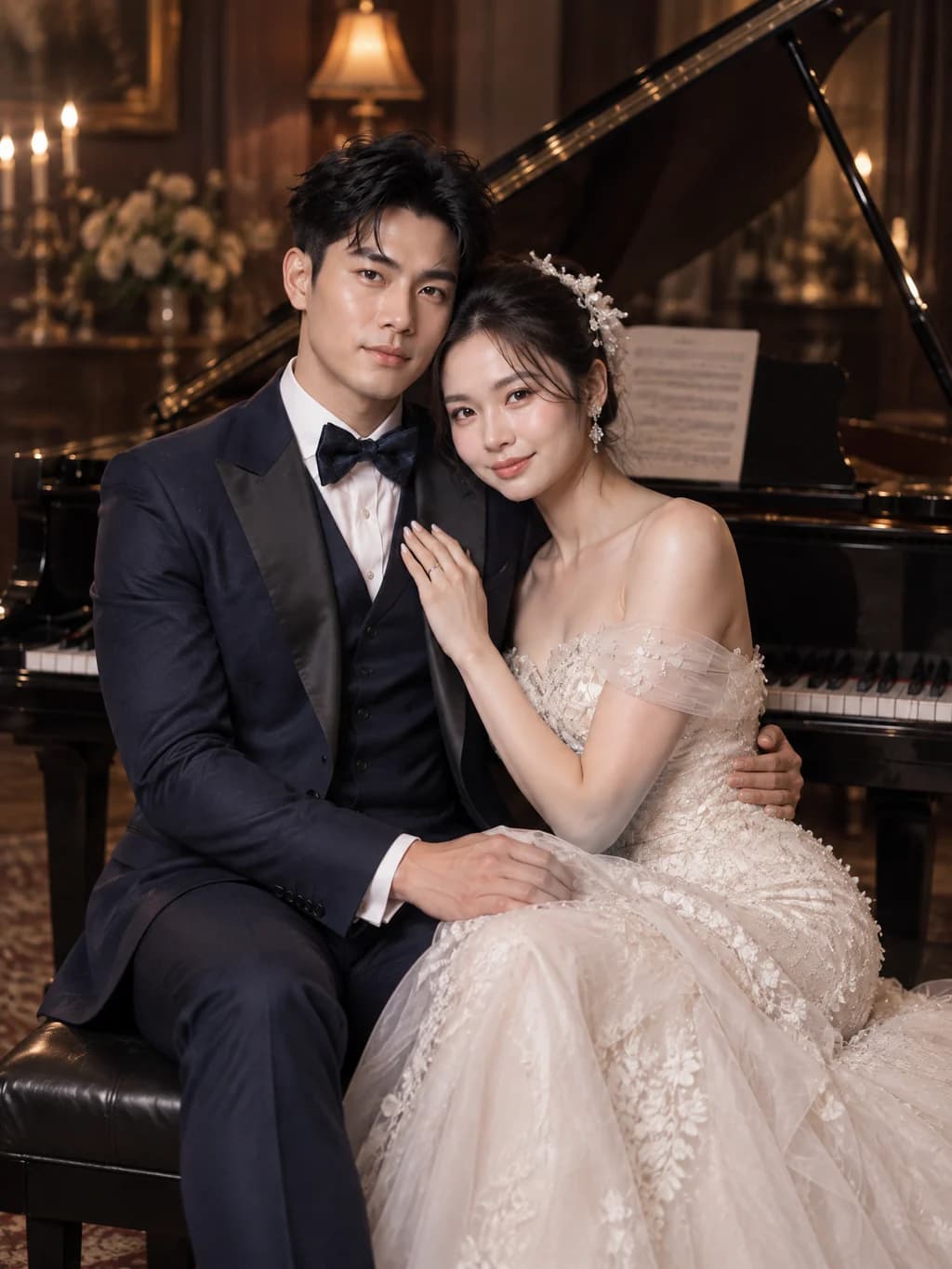
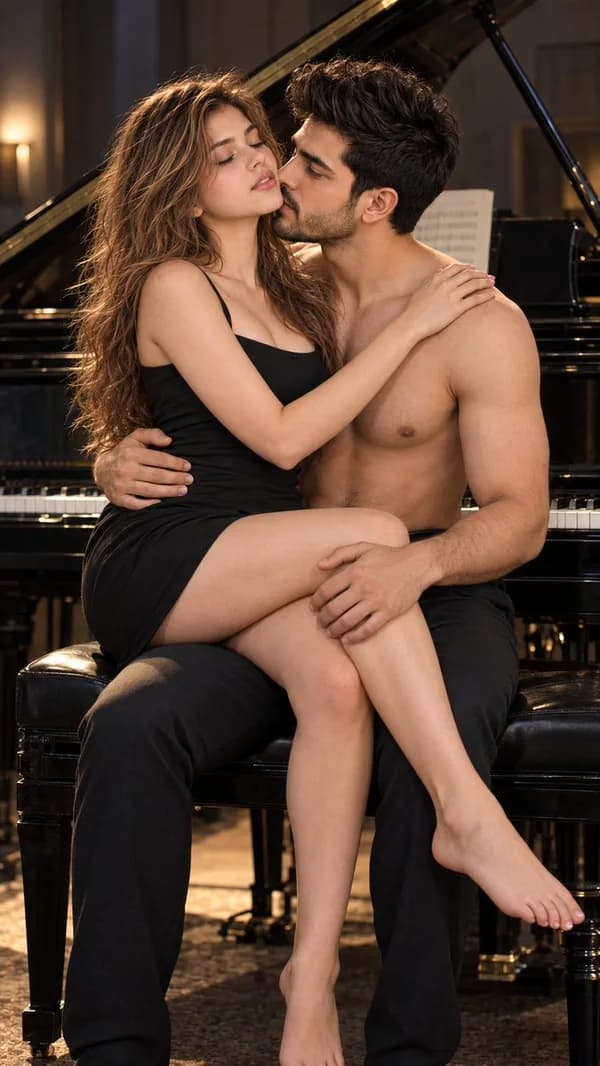
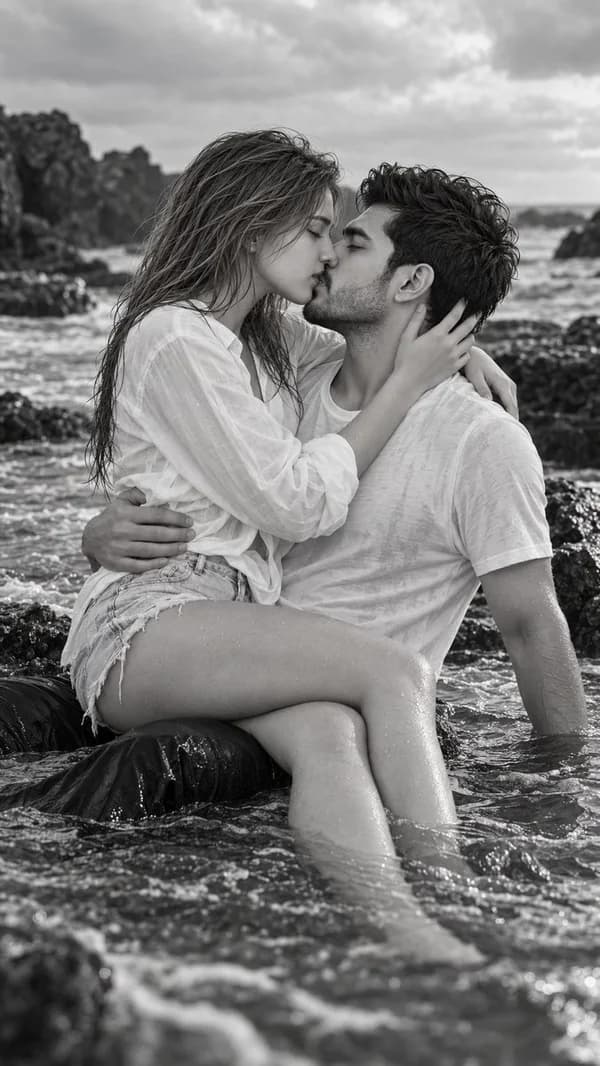
Upload one photo of both of you or two separate photos for a romantic, film-like couple shot.Use template
+2
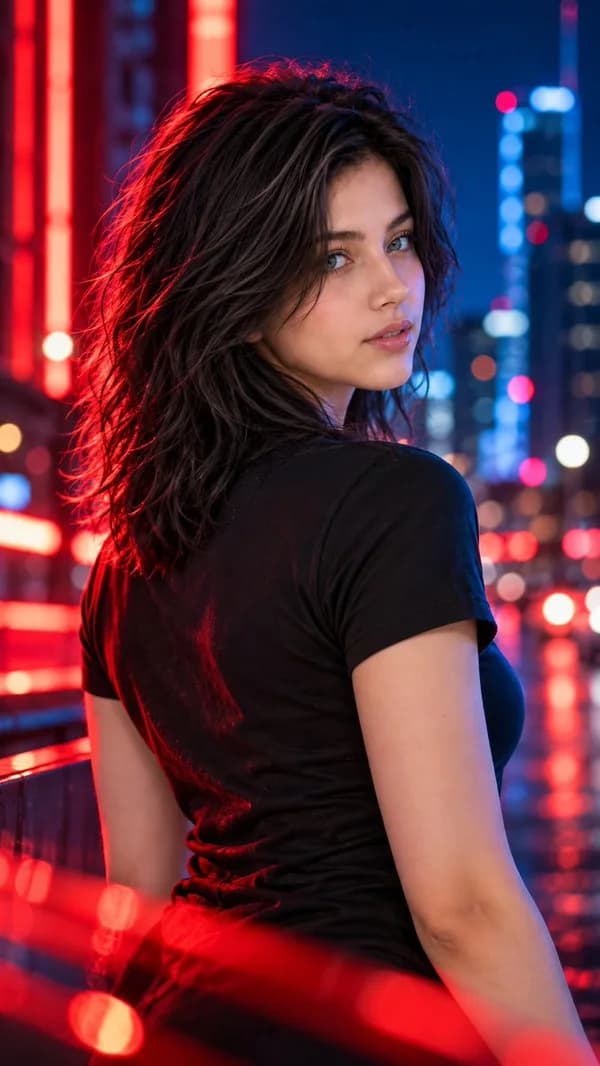
Neon Night Portrait24
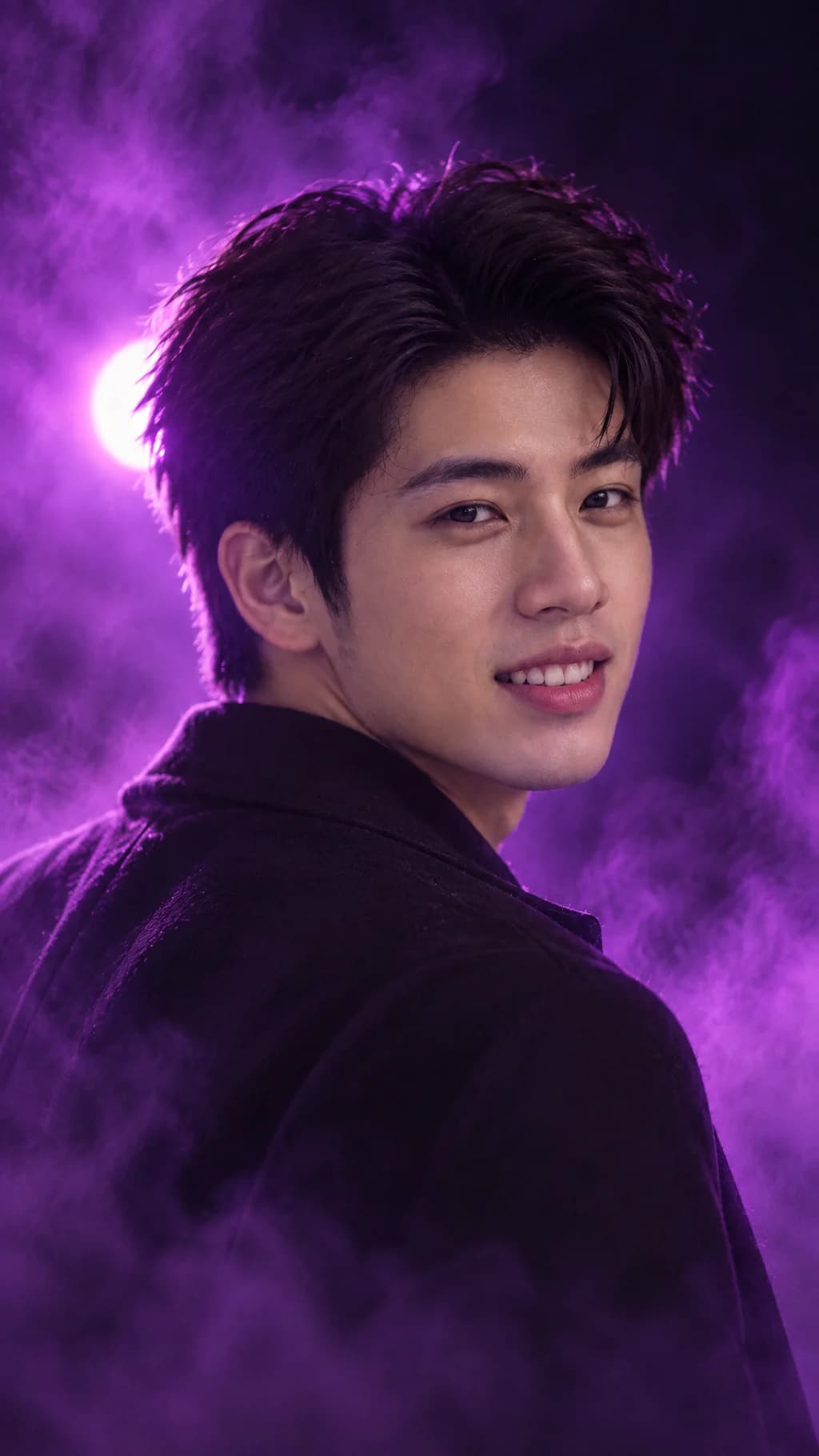
A cinematic night portrait with neon, haze and rain, with your face still crisp and clear.Use template
+3
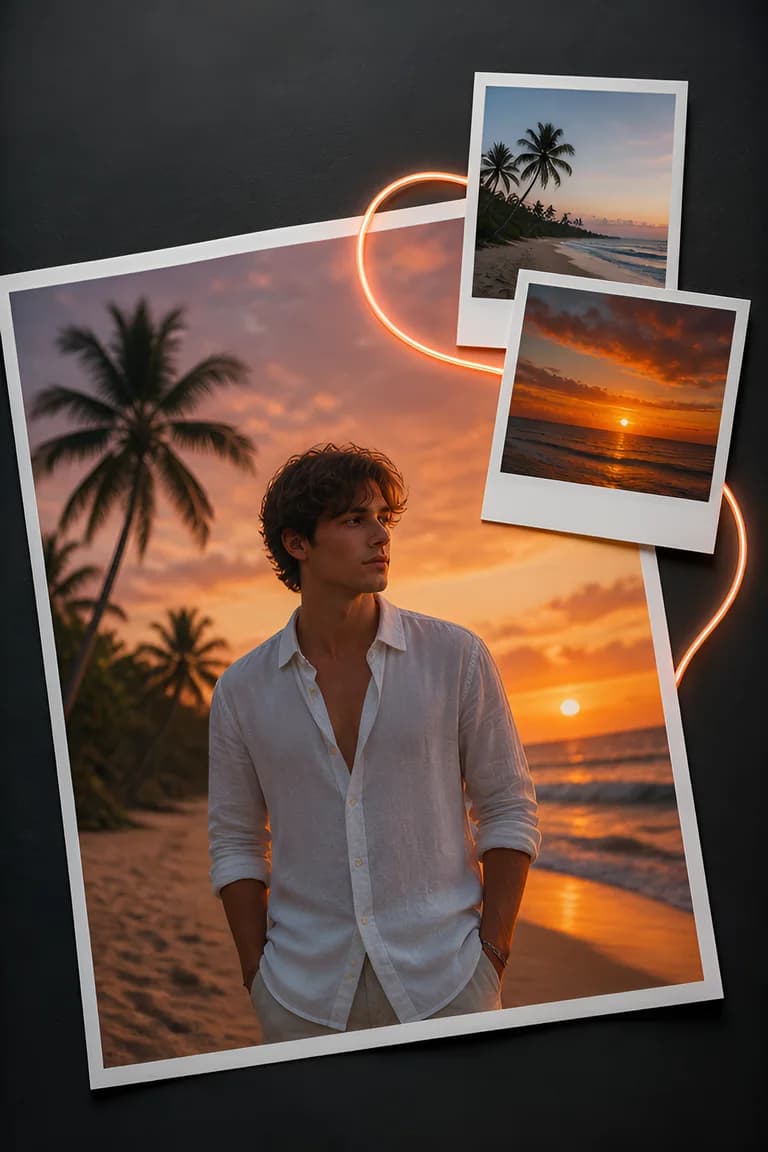
Film and CCD Camera24
Everyday shots that look taken on a CCD camera, 35mm film, Polaroid or in an 80s style.Use template
+3
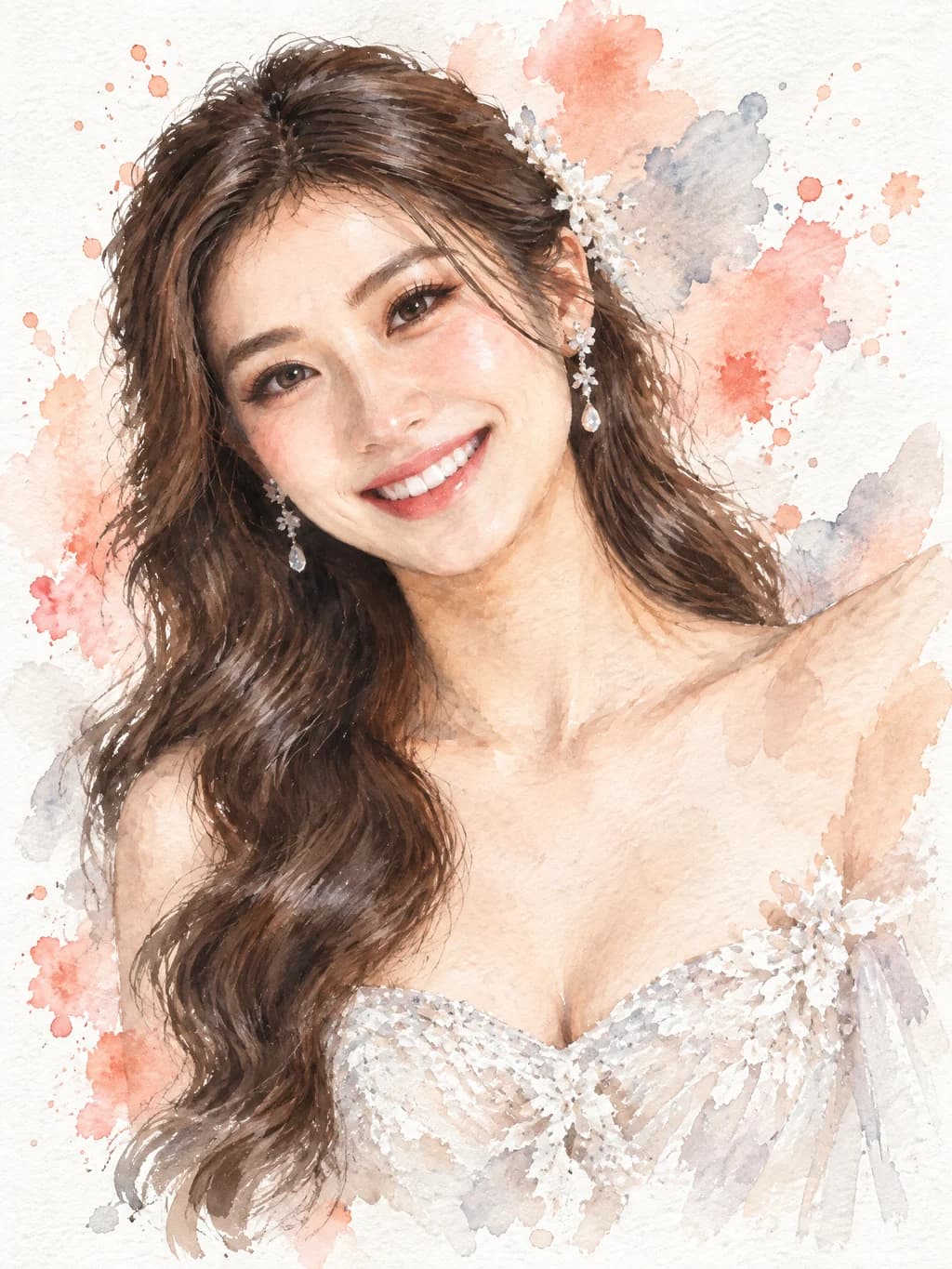
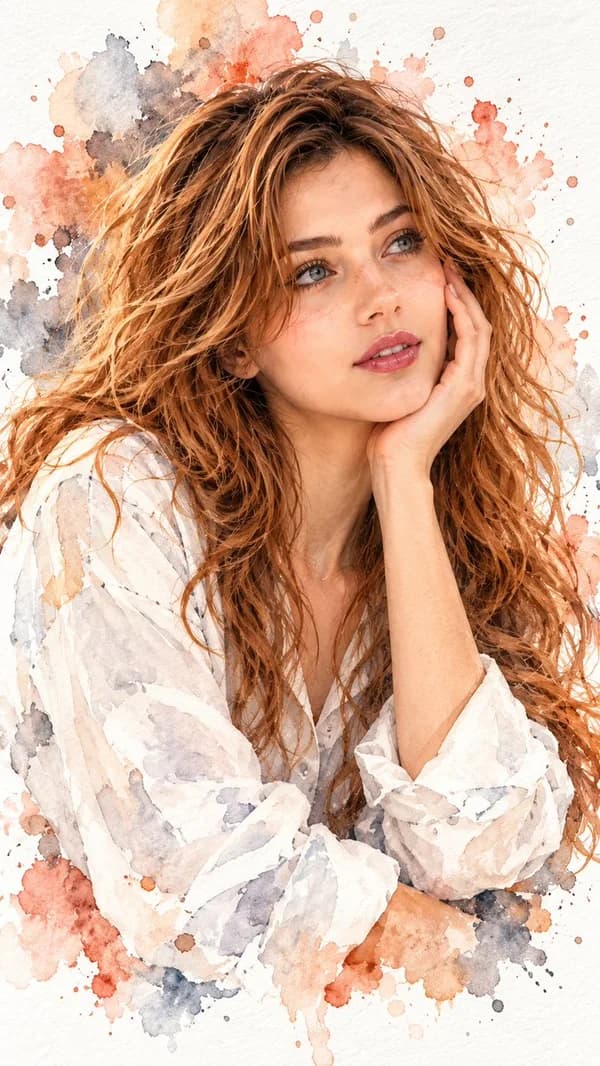
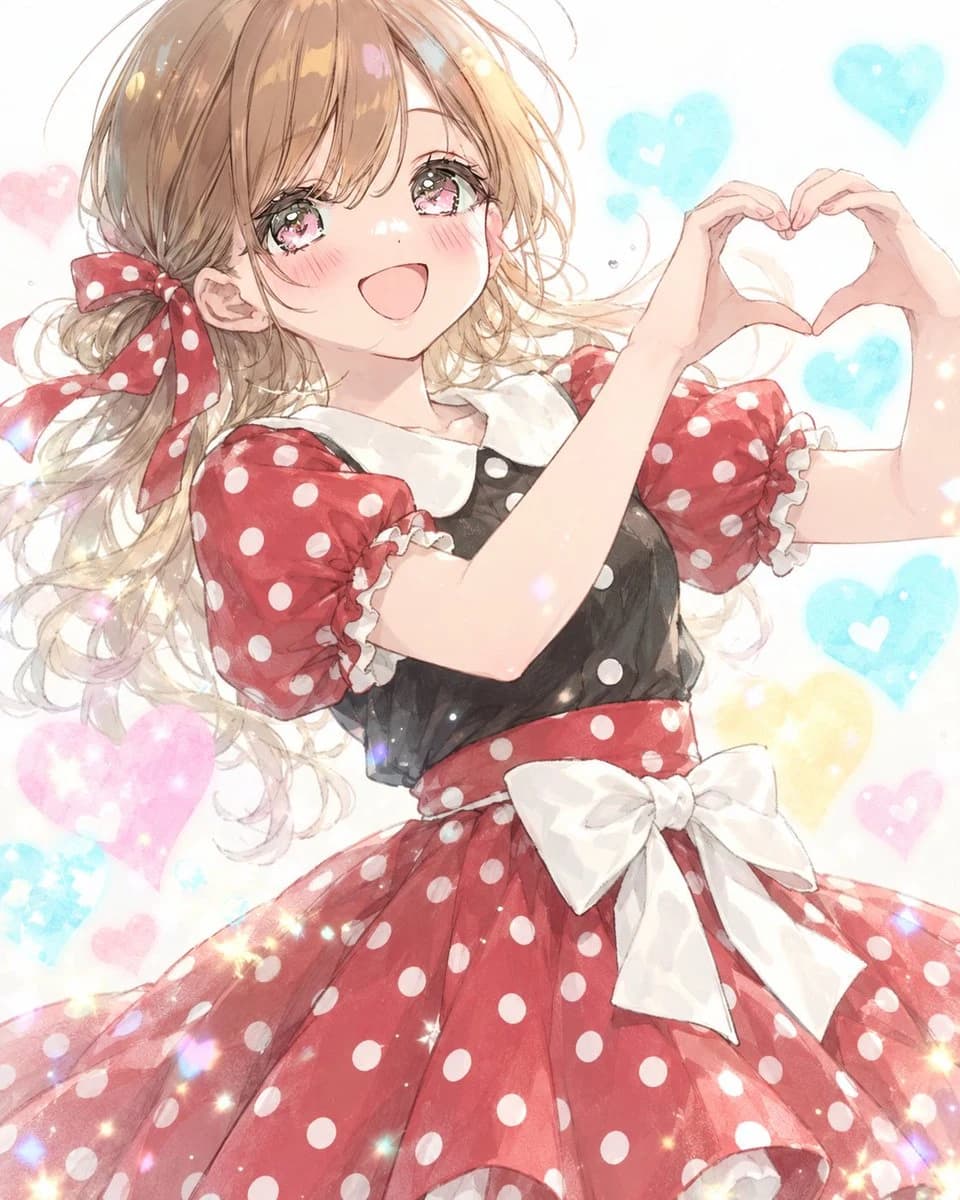
Hand-Painted Portrait24
Turn your portrait into a watercolor, colored pencil, oil or ink painting.Use template
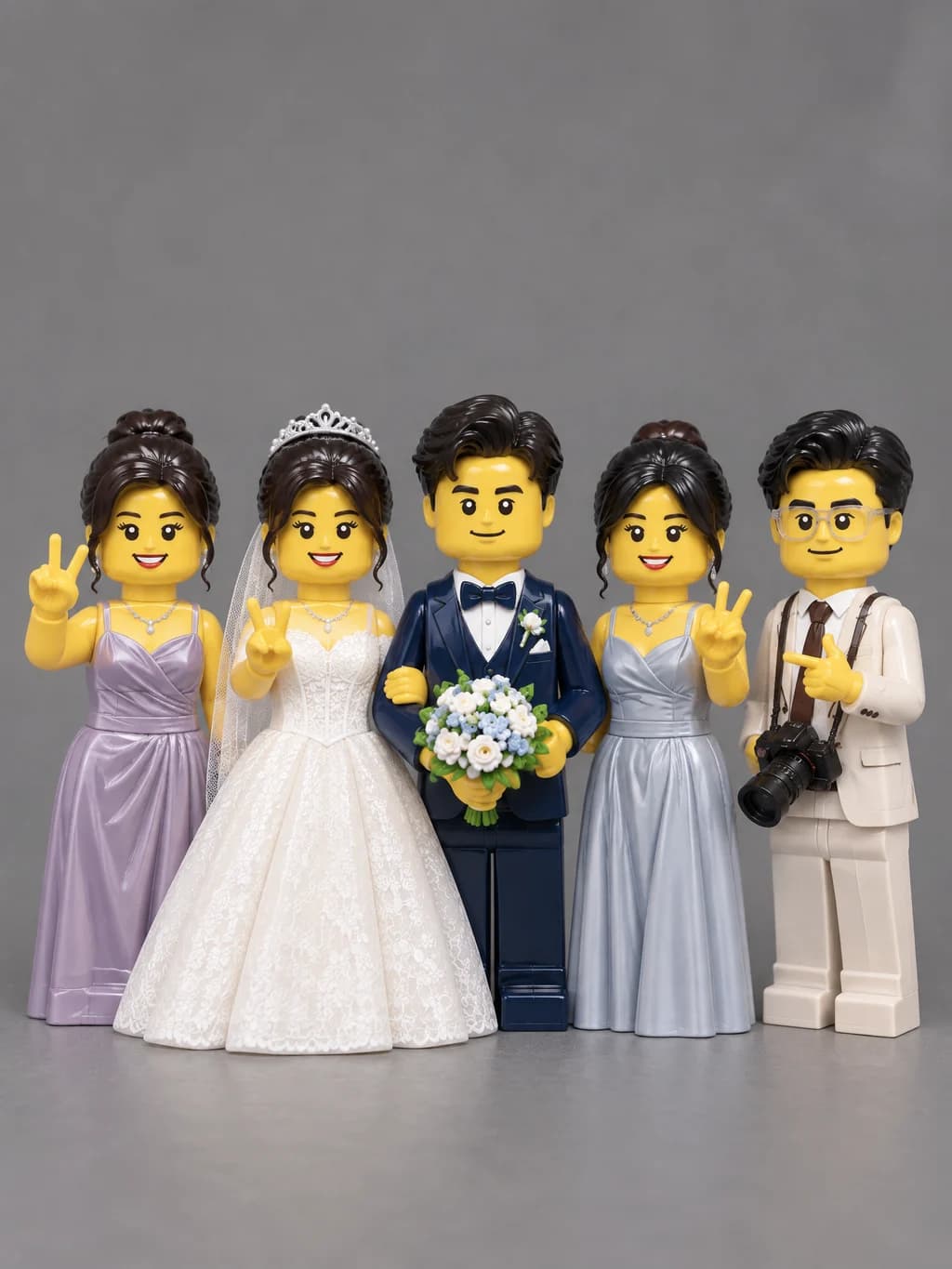
LEGO Me24
Everyone in the photo becomes a LEGO minifigure while the scene stays real.Use template
Crayon Doodle People24
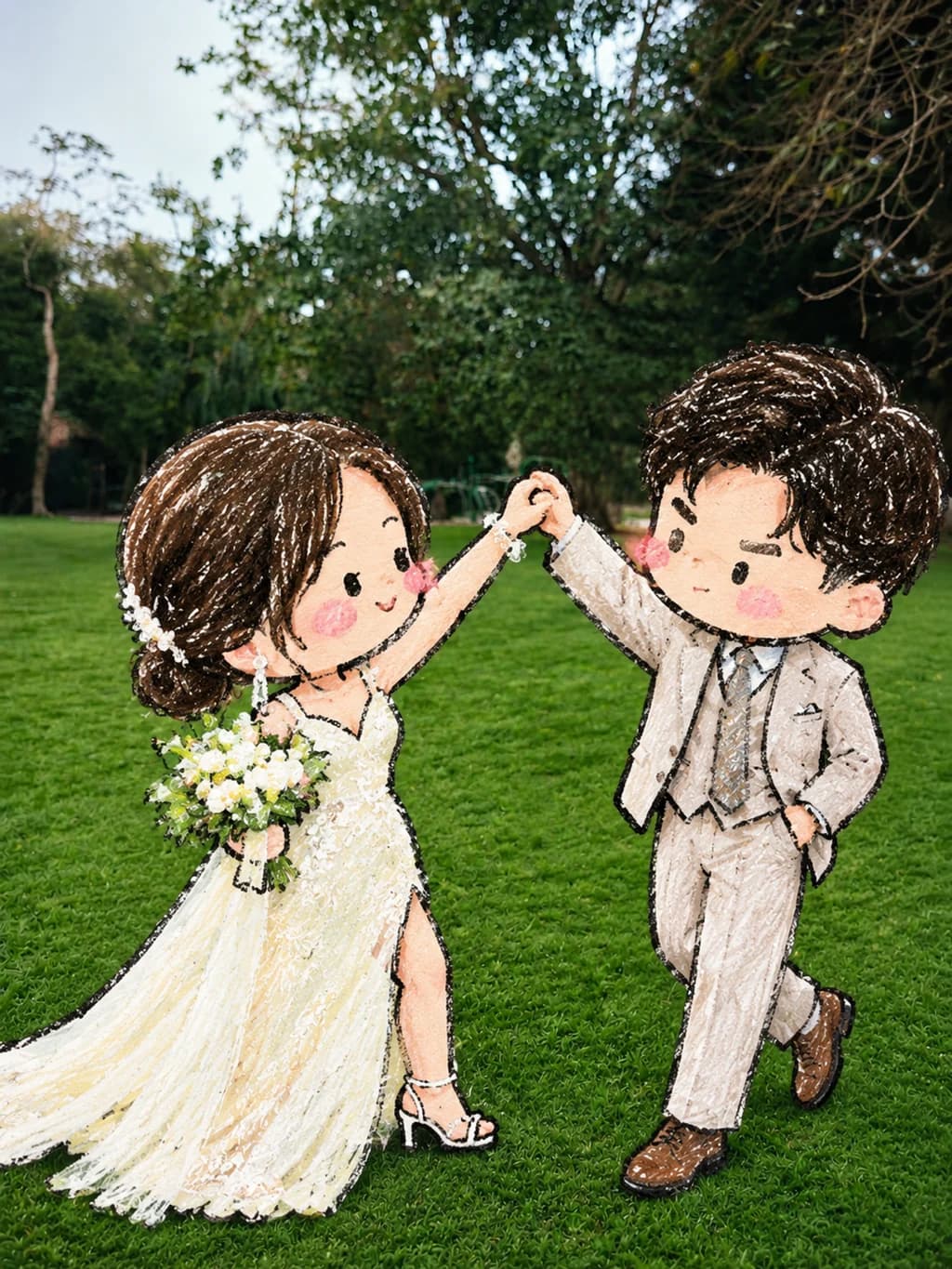
People in the photo become playful crayon doodles while the rest stays a real photo.Use template
Clay World24
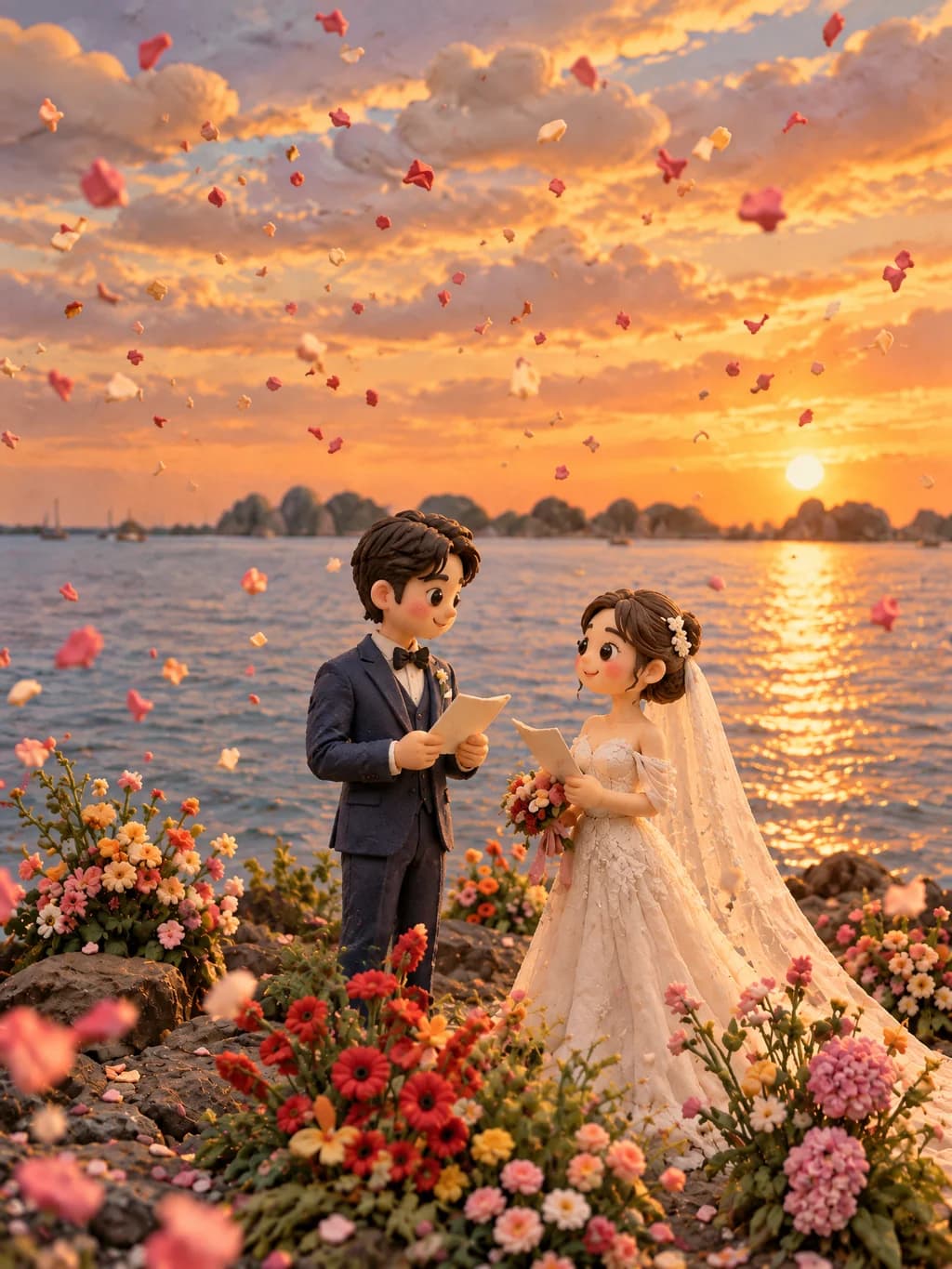
Rebuild the whole photo as a stop-motion clay diorama.Use template
Photo and Sketch Journal Poster24
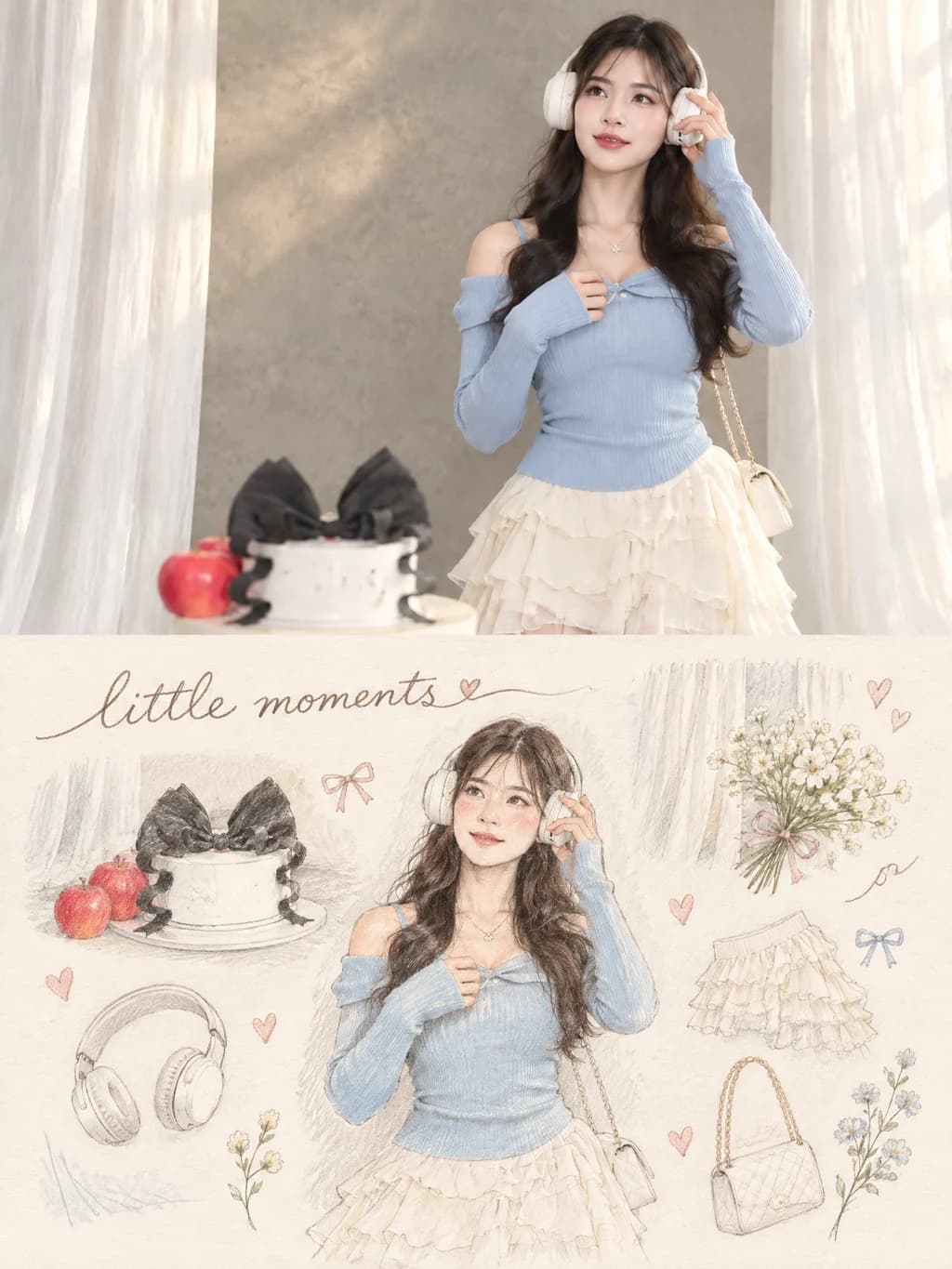
Real photo on top, a hand-drawn journal page of its details below.Use template
+1
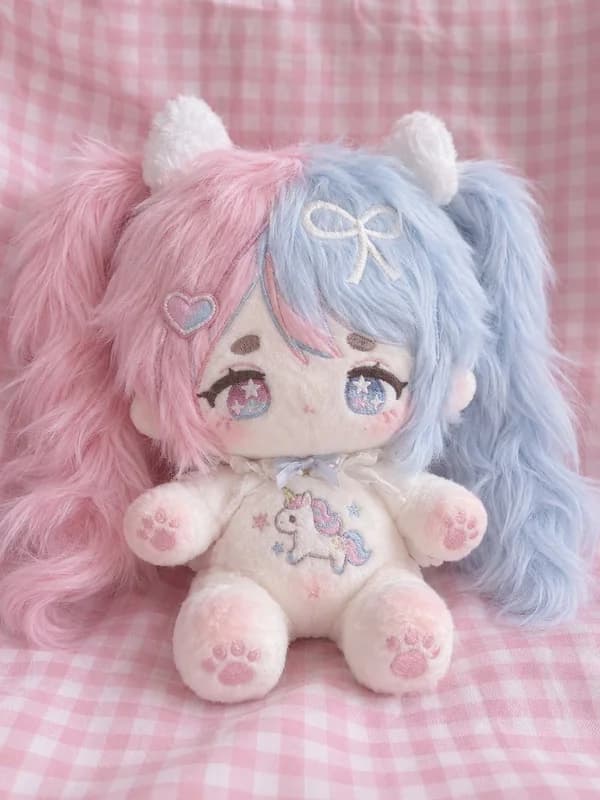
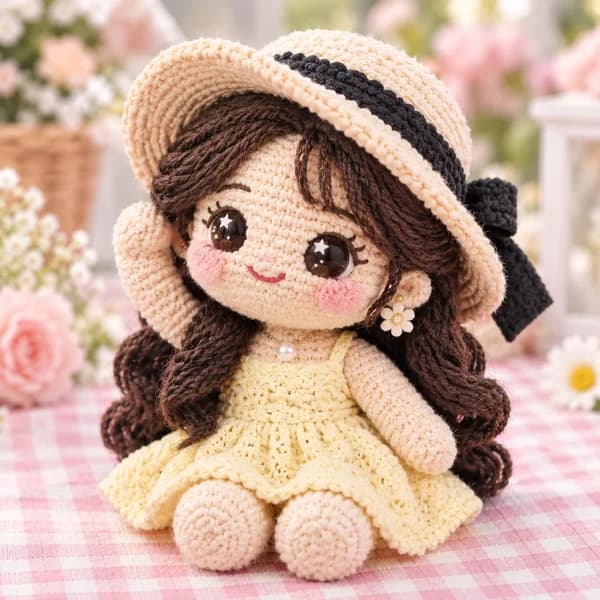
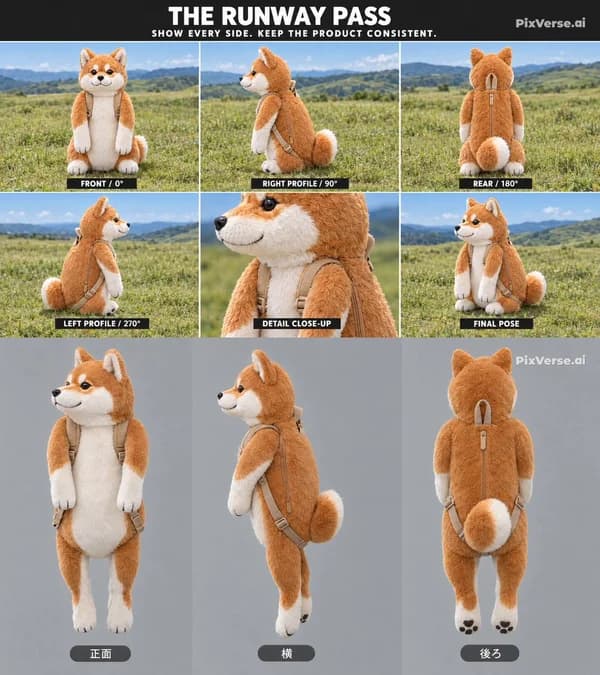
Plush Toy Me24
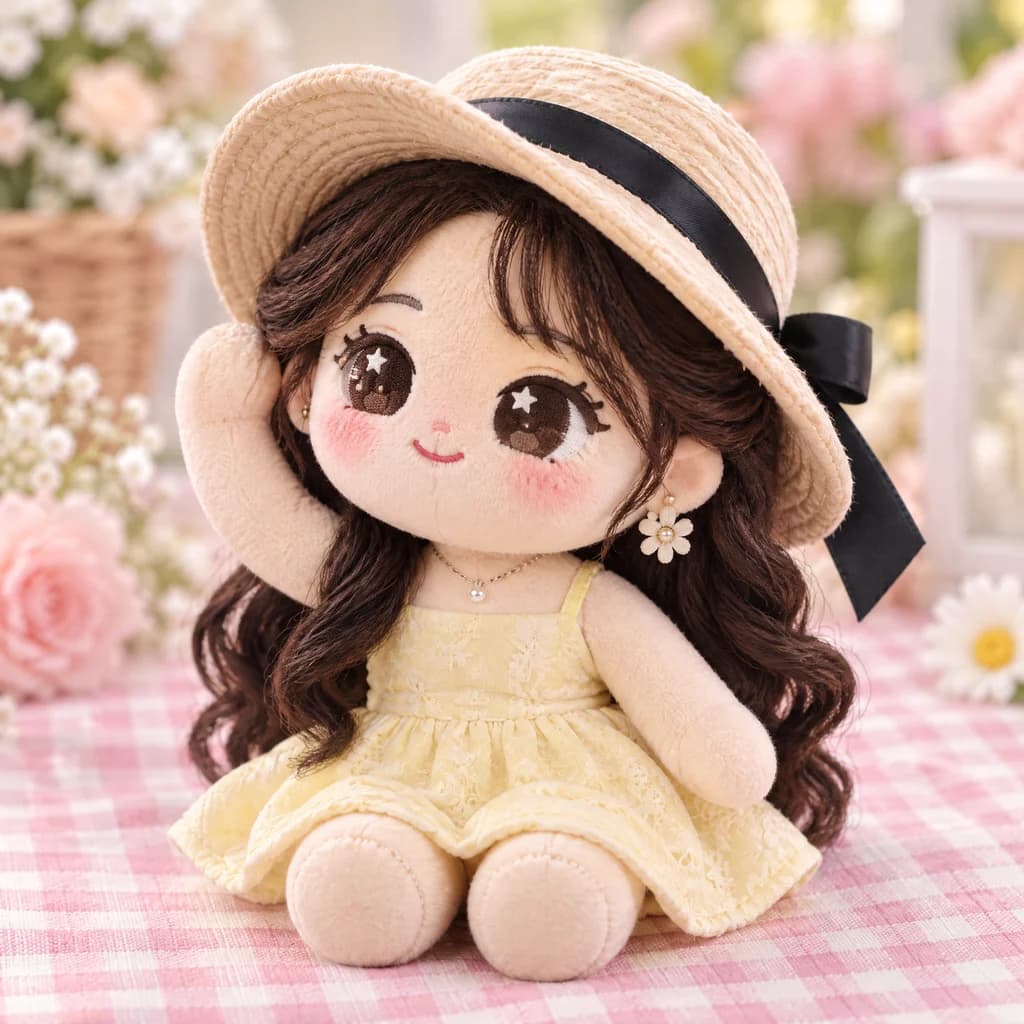
Turn a person, pet or character from your photo into a handmade plush toy.Use template
+1
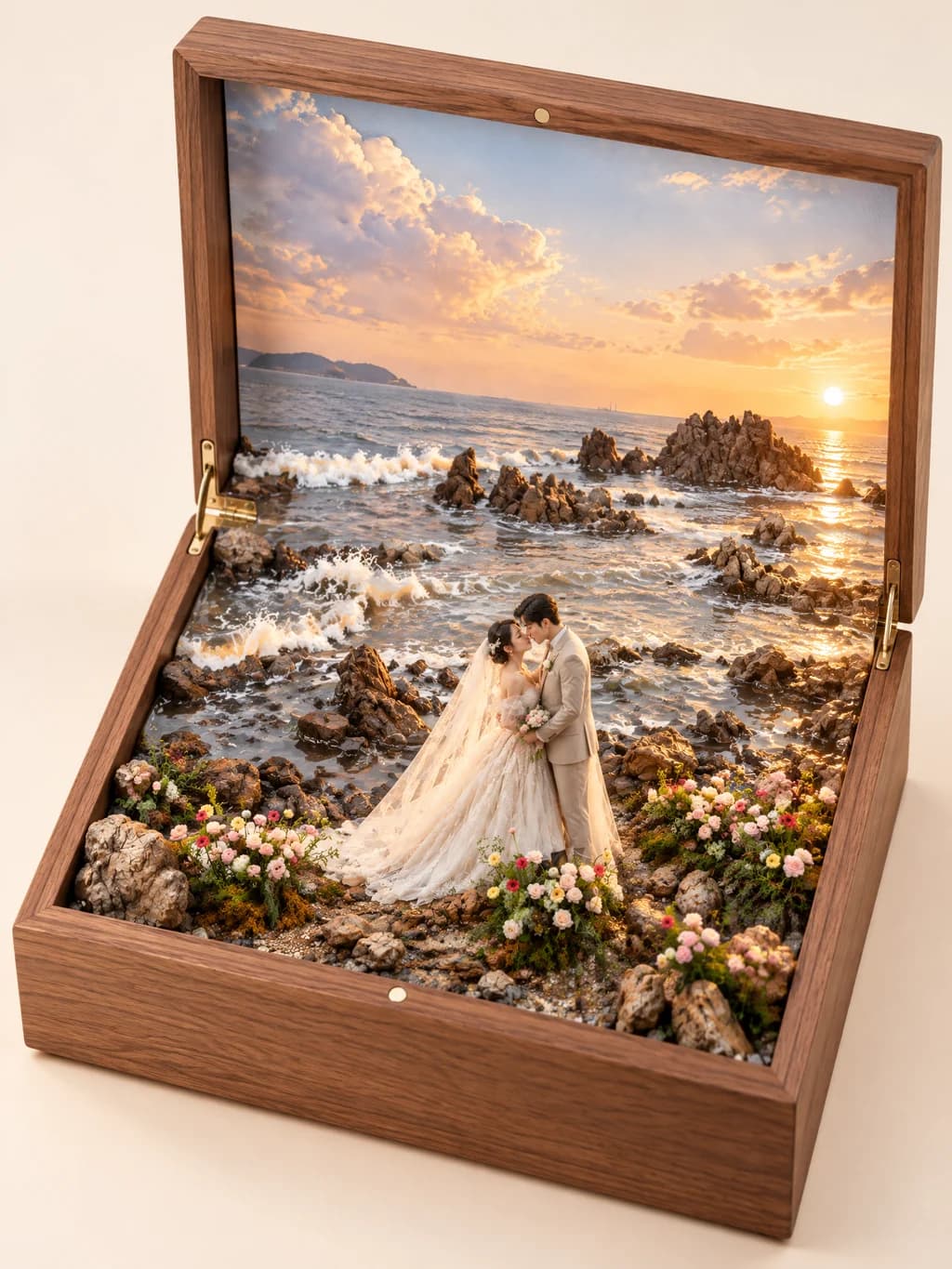
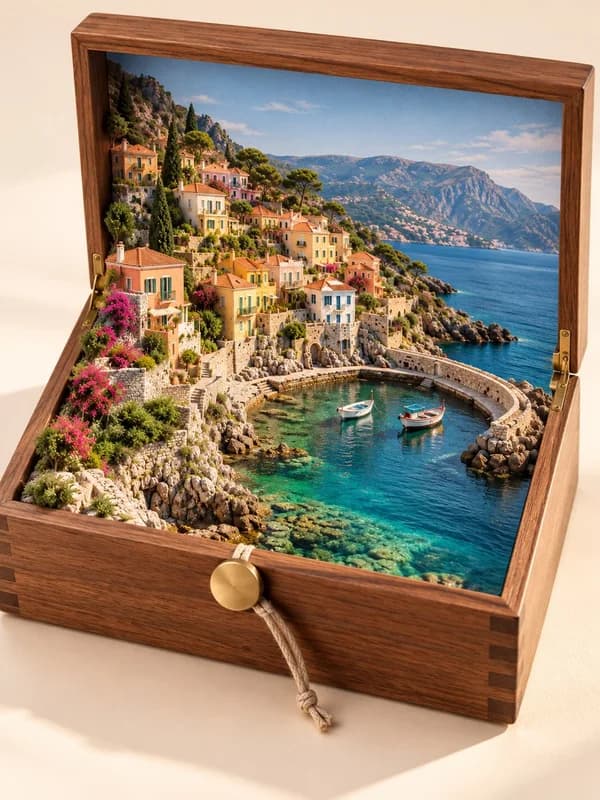
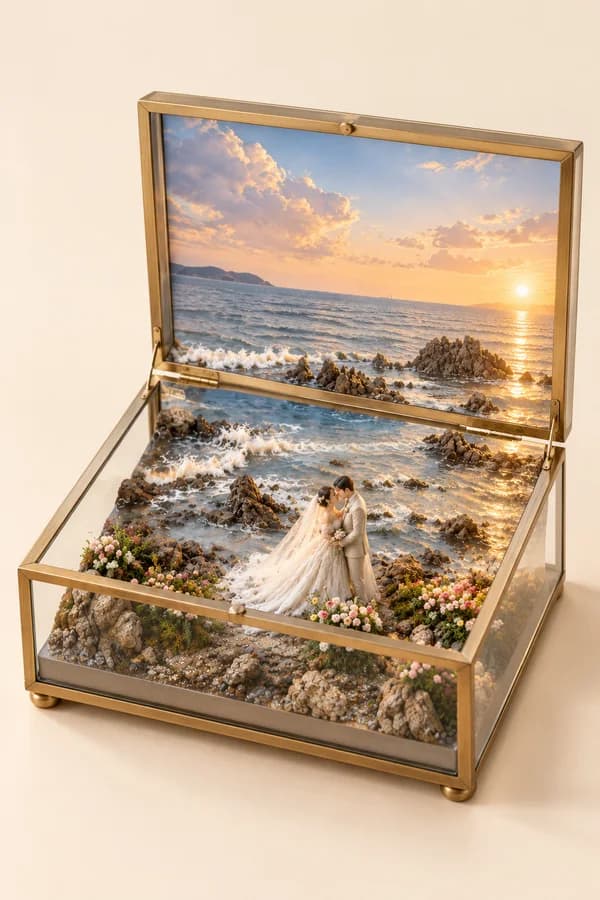
Travel Memory Box24
Turn a travel landscape photo into a collectible miniature diorama box.Use template
+2
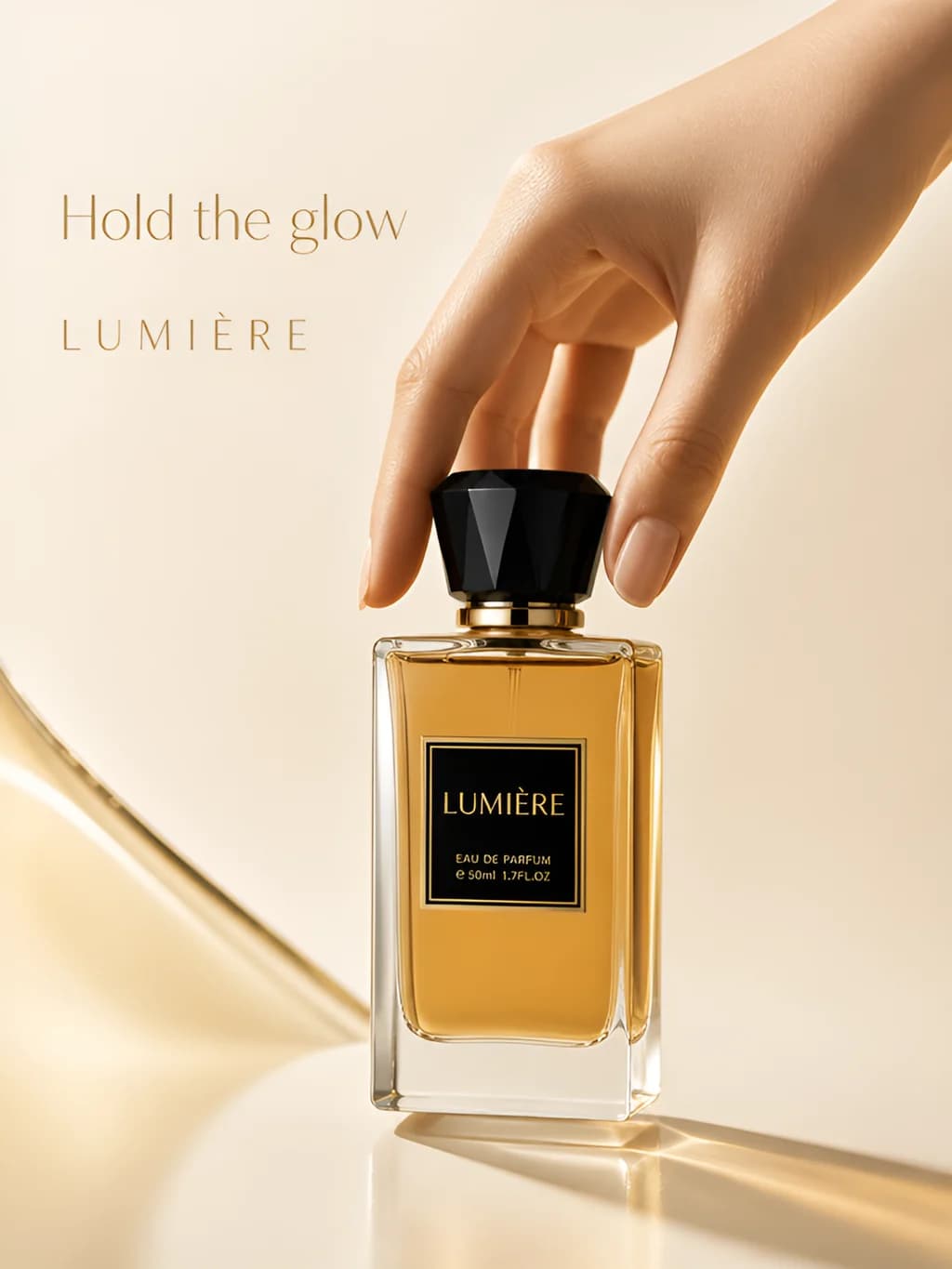
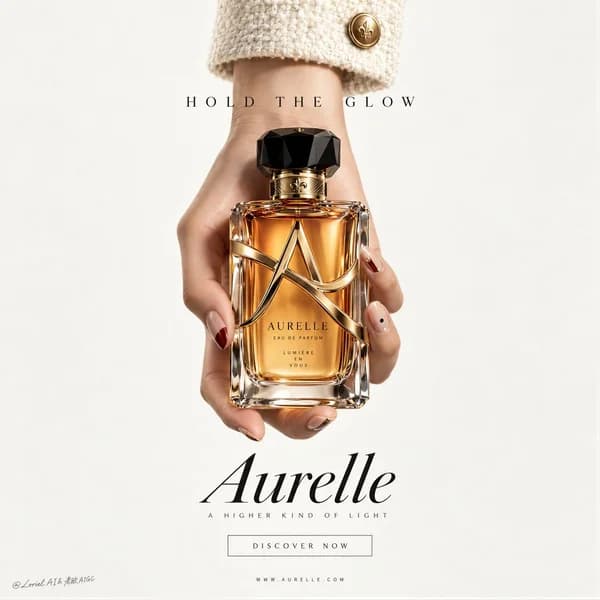
Product Ad Poster18
Upload a product photo for a premium ad poster with your brand name.Use template
+3
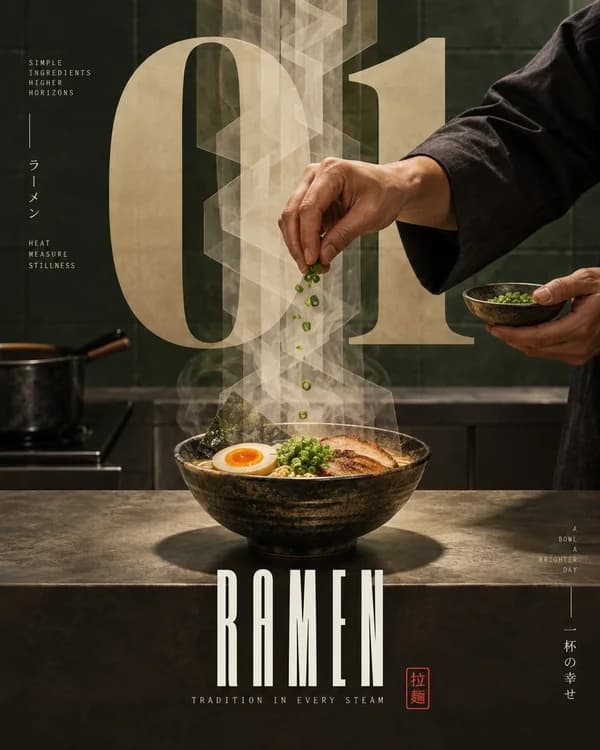
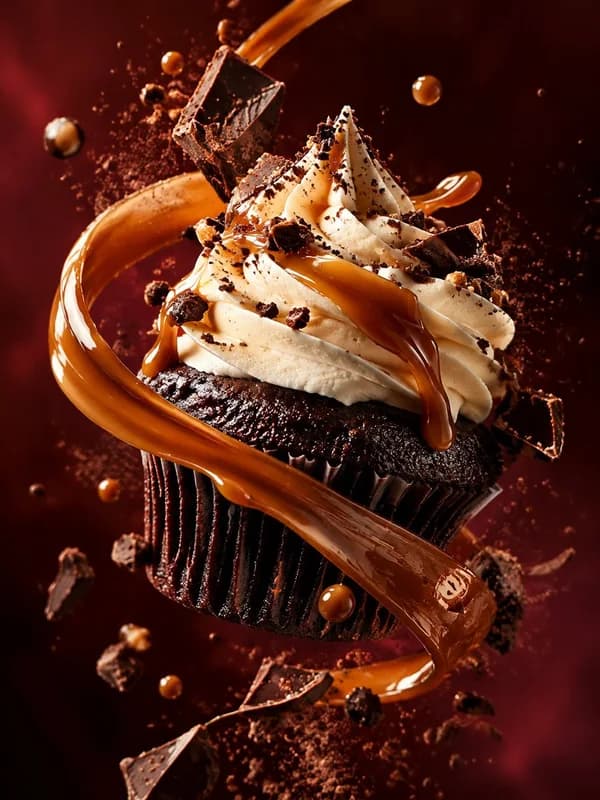
Food Hero Shot18
Ad-style or magazine-poster food photography; you can upload a photo of the real dish.Use template
+1
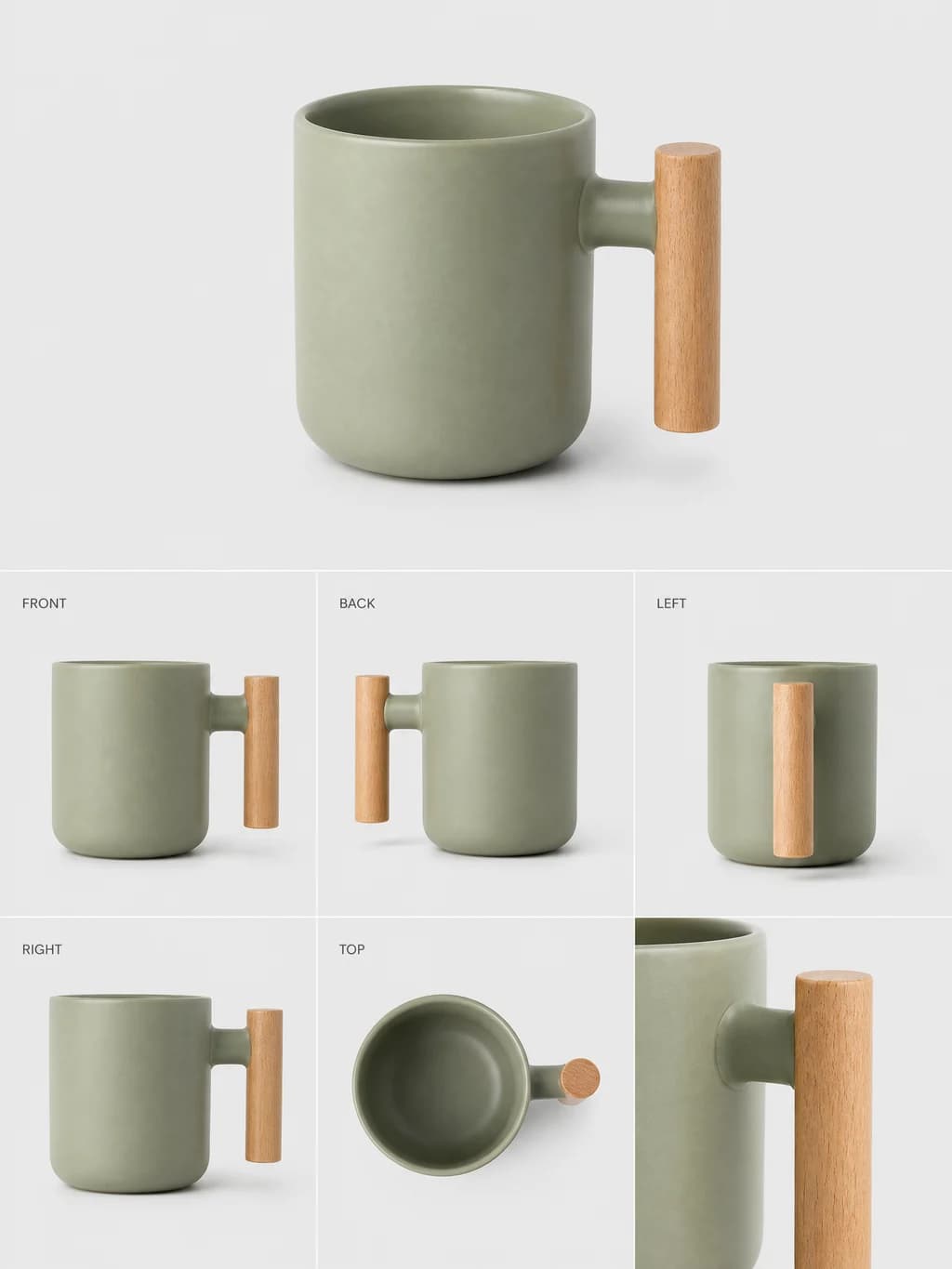
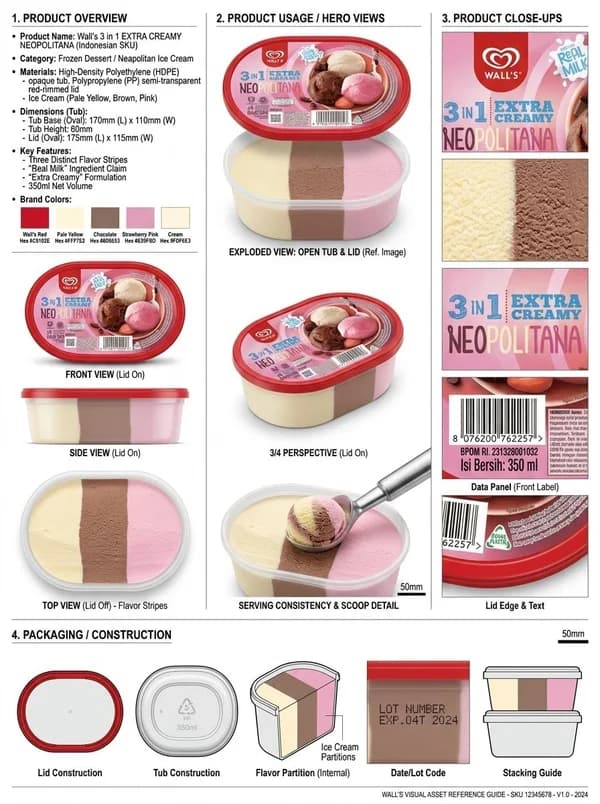
Product Turnaround Sheet18
From one product photo, get a sheet with front, back, side and detail views.Use template
+2
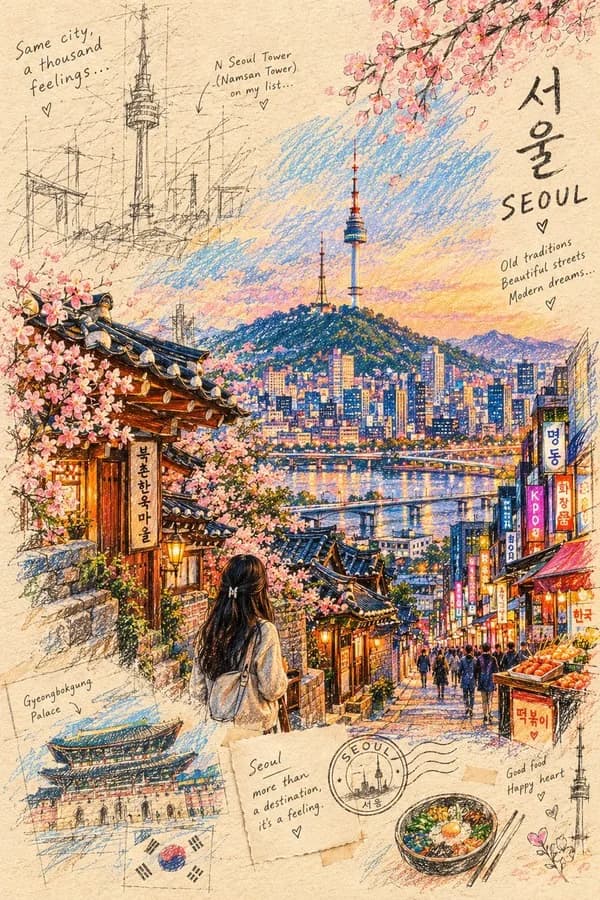
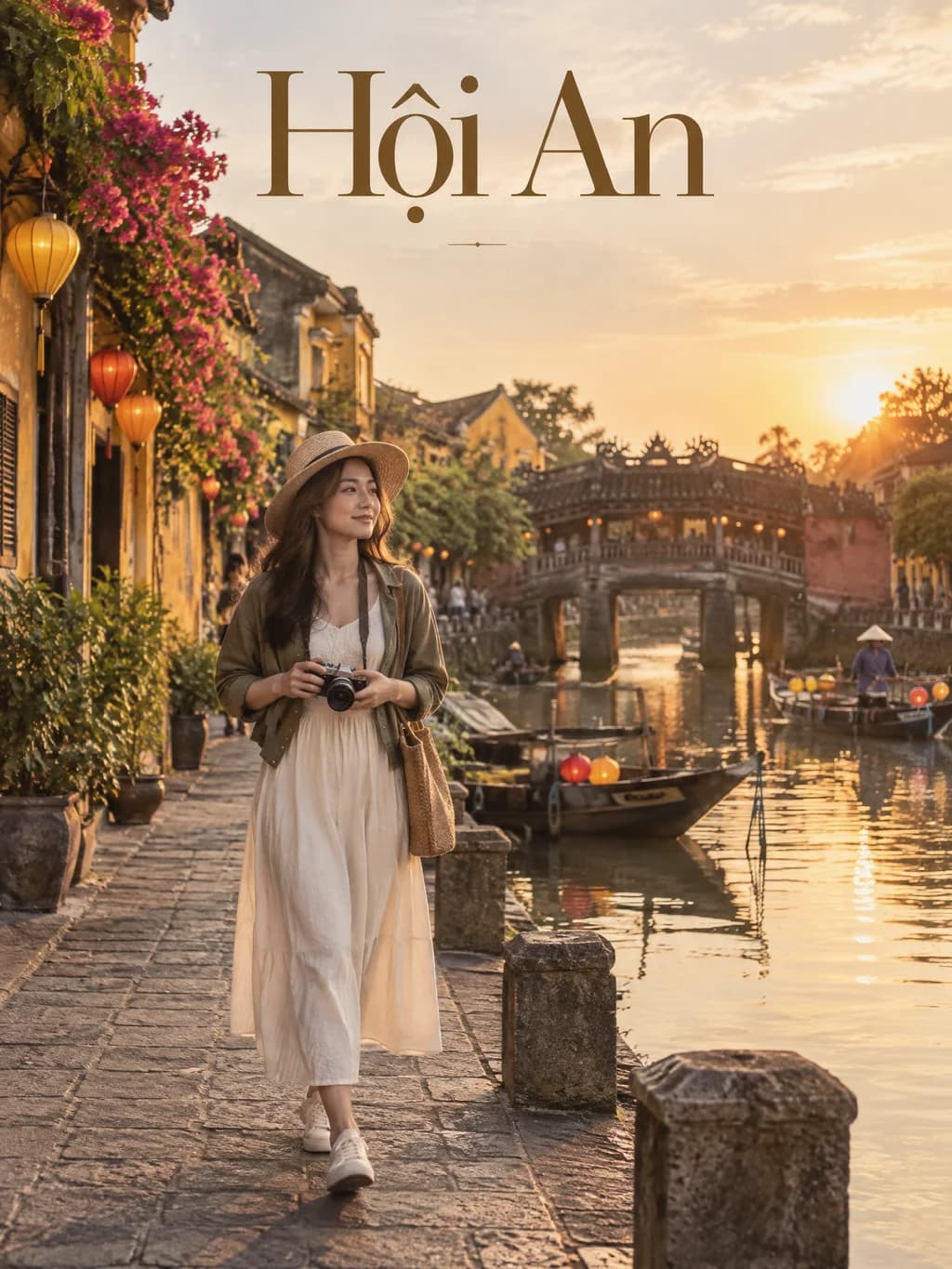
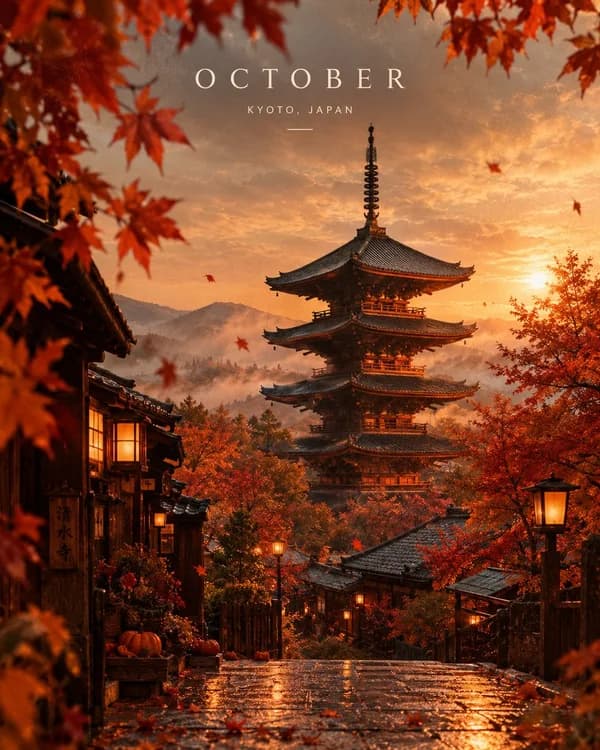
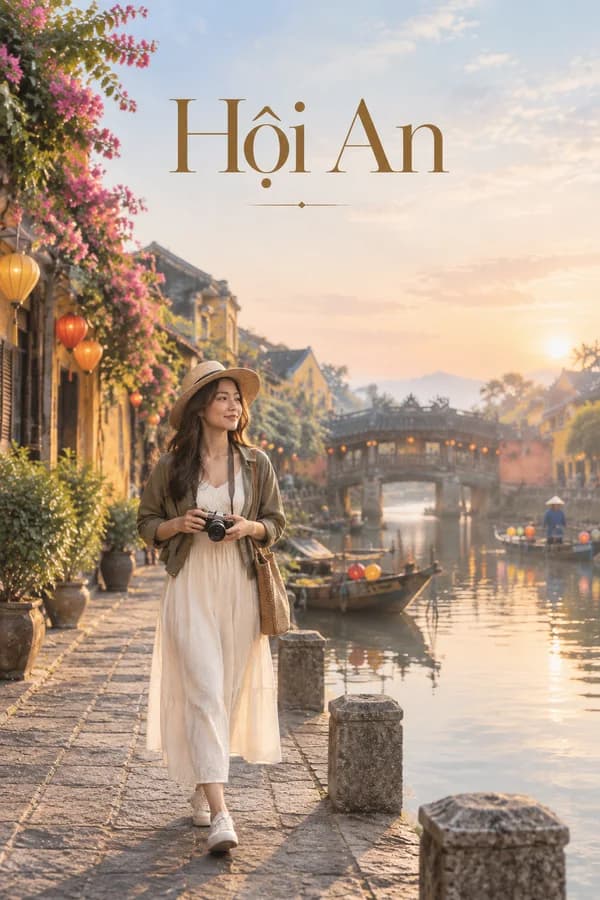
Travel Poster24
A stylish travel poster for any destination; upload a photo to put yourself in it.Use template
+2
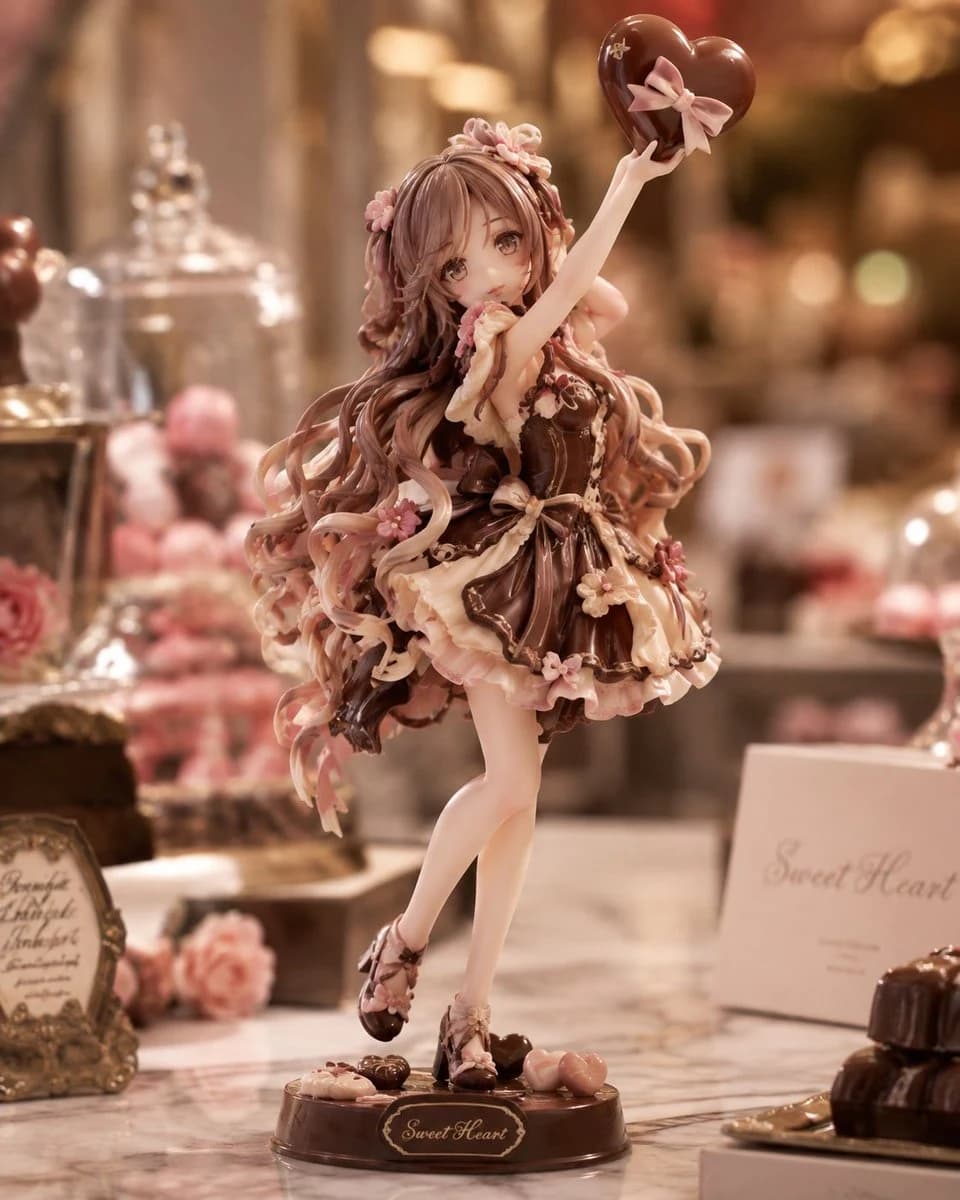
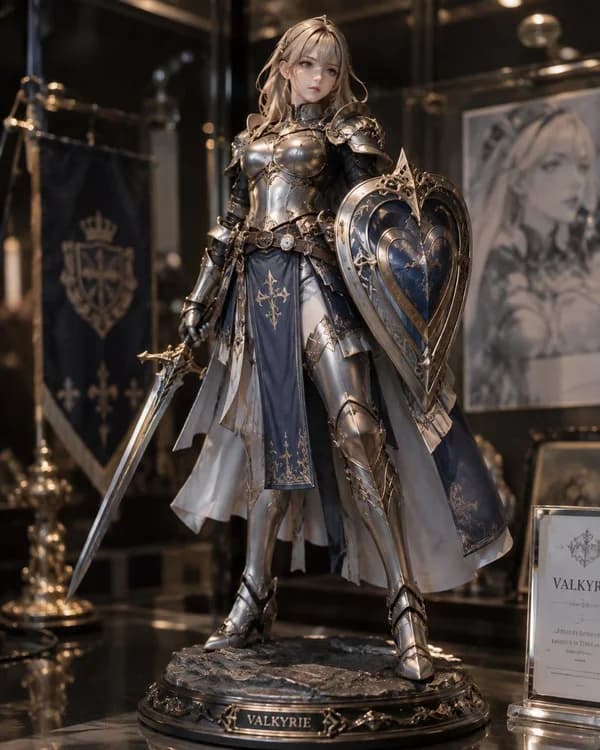
Collectible Figure24
Turn yourself, your pet or a character into a lifelike collectible figure.Use template
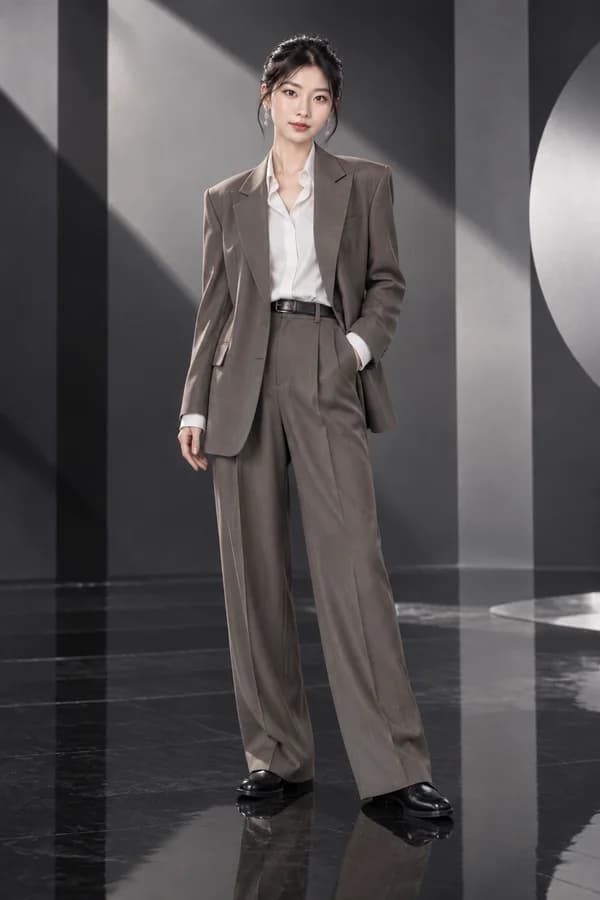
Outfit Swap24
Keep the person, pose and scene, and change only the outfit to match your description.Use template
+1
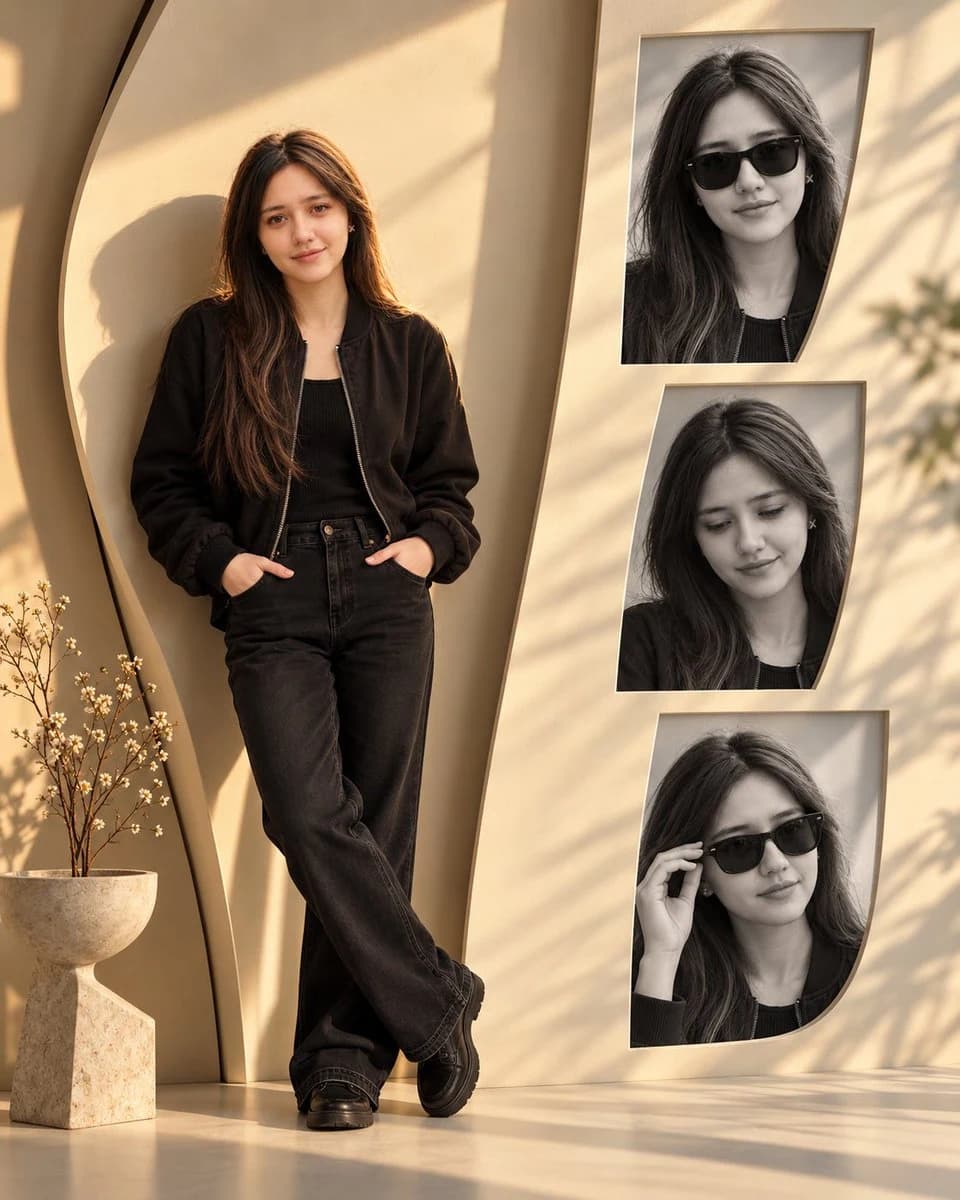
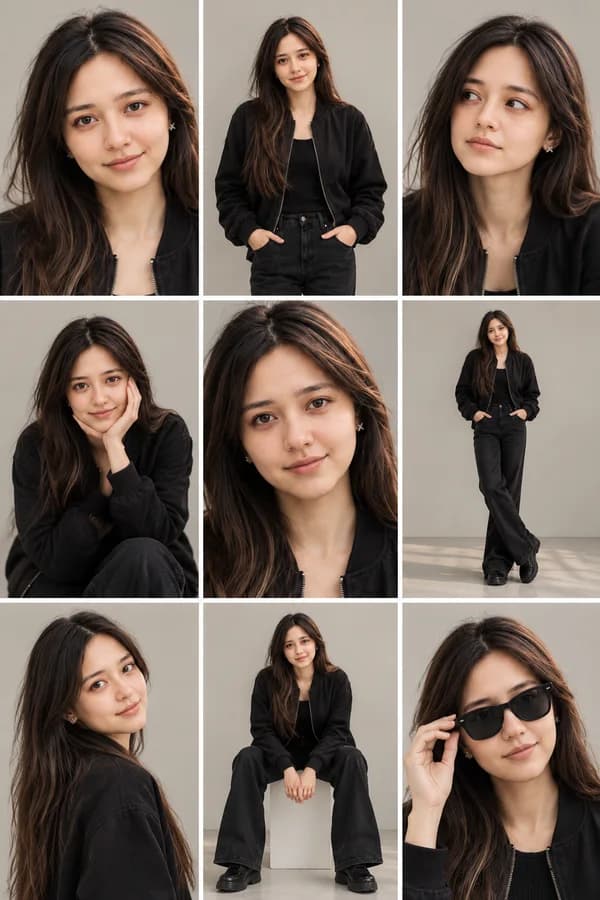
Multi-Pose Photo Set24
One image with several frames of you in different poses: grid, collage or photobooth.Use template
View all 45 templates
Read the integration guide
Create an API key
Coming soon

Create and earn with Solart

  • Build templates to sellDesign your own prompt templates and sell them to other creators.
  • Share templates, earn commissionSend templates to friends or clients and earn a commission every time they use them.
  • Share to the CommunityPost your work and earn a commission when others create from it.

Buy credits
Pay as you go, no subscription. Failed generations are refunded. Up to 91% cheaper than official API prices.

See price per model
Starter
980
About 54 imagesOr 18 8-second videos
49,000 VNDBuy this pack
PersonalMost popular
3,980
+300 bonus credits
About 237 imagesOr 79 8-second videos
199,000 VNDBuy this pack
Studio
13,600
+2,200 bonus credits
About 877 imagesOr 292 8-second videos
690,000 VND

Pay by bank transfer from a Vietnamese bank by scanning a VietQR code. Credits are added automatically once your payment arrives.
Frequently asked questions

Can I use it if I don't know how to write prompts?

Yes. Solart is built so you don't have to. Every template in the Template library comes with a prompt that's already written and fine-tuned for its style: portraits, product shots, illustrations, short videos.

Just describe your subject in your own words, in any language, for example "a woman in a flowing dress standing by a lotus pond", pick a style and aspect ratio, then hit Generate. Solart blends your details into the template prompt before sending it to the AI model.

Once you're comfortable, switch to Write your own prompt for full control over your idea, in English or any other language.

When are credits deducted?
Credits are deducted the moment you hit Generate, exactly the amount shown on the button. You always see the cost upfront, with no hidden charges later.
If a generation fails because of a system error, an overloaded model or content rejected by the model provider, your credits are refunded automatically. You can review every charge and refund in Account > Credit history.

How long are my results kept?
Images and videos you create are kept for 3 days from creation, then deleted automatically to protect your data and keep storage costs low. Until then, you can view and download them anytime from Generation history.

Download anything you want to keep long term. Results you share to Community stay up until you stop sharing them.

What is Solart?

Solart is an AI image and video generator that runs right in your browser, nothing to install. Describe what you want in your own words, in any language, and Solart writes the prompt and sends it to leading AI models like GPT Image, Nano Banana and Veo.

There are two ways to create:

  • Use a template: pick a ready-made template, fill in your subject and hit Generate. Great when you want polished results fast.
  • Write your own prompt: describe your idea yourself, choose the model, aspect ratio and resolution, and add reference images if needed.

Images are usually ready quickly, while videos take longer depending on the model and length. No need to wait on the page: results are saved to Generation history automatically.

Is there a free trial?

Sign up for free with your email or Google account, no card required. With email, Solart sends a sign-in code to your inbox, so there's no password to remember.

When a welcome bonus is running, the number of free credits is shown on the sign-in page and added automatically on your first sign-in. Use them to try any template or model before deciding to top up.

Buy this pack
View all 18 questions